

 By
By Introduction
Selecting the right iPad for reading textbooks can enhance your educational experience significantly. As digital learning grows, a dependable device becomes essential. This guide will assist you in finding the ideal iPad by discussing key features, comparing models, and suggesting useful accessories that amplify your study sessions.
Key Features to Look for in an iPad for Textbook Reading
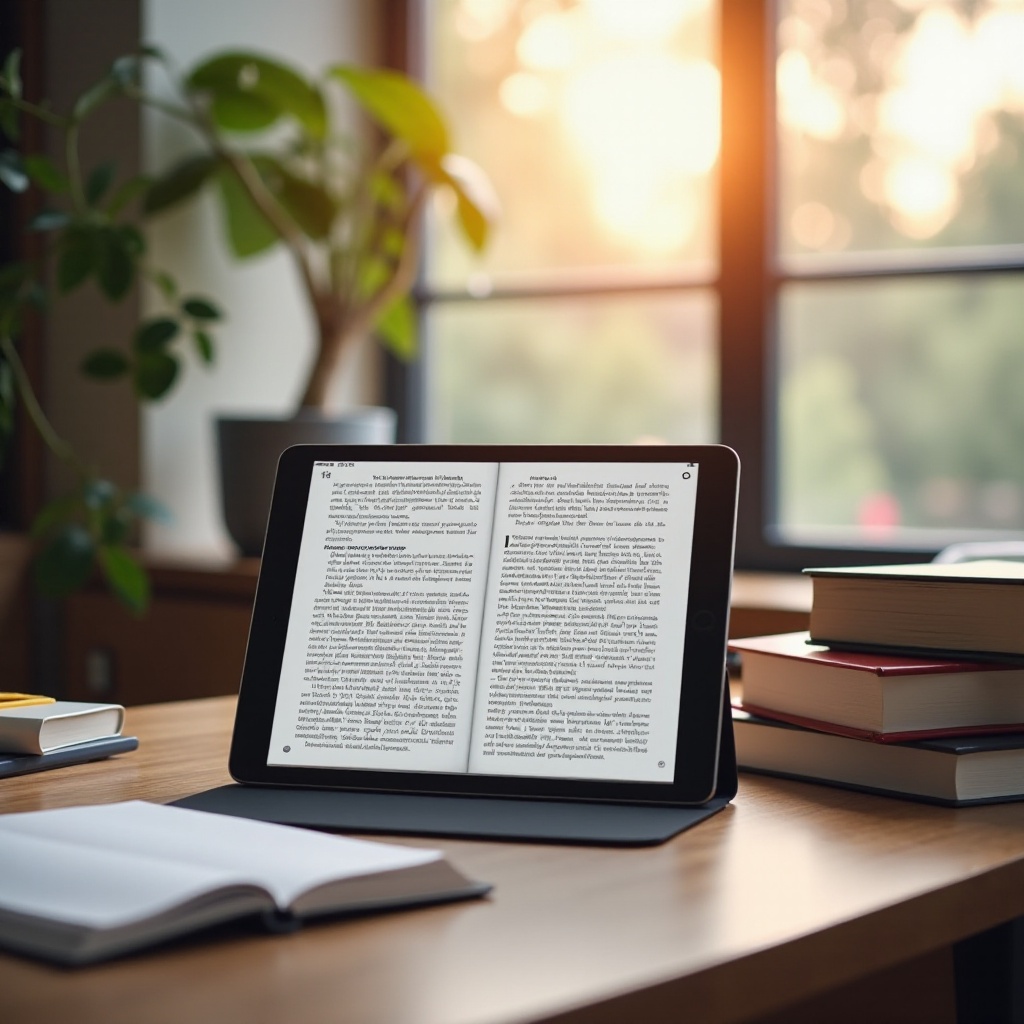
When choosing an iPad specifically for textbook use, certain features should guide your decision. A top-notch display is crucial for clear text, minimizing eye fatigue during prolonged study periods. Models with True Tone or Liquid Retina displays offer outstanding visual quality.
Battery life is another vital factor, especially for long study days without frequent charging opportunities. Select a model that ensures lengthy usage to avoid study interruptions.
Portability should also be a consideration. An iPad needs to be lightweight for easy transport, while still providing a screen large enough for comfortable reading. Balancing these features is essential when determining which model suits your lifestyle best.
Top iPad Models for Reading Textbooks
Apple offers a range of iPads that cater to different needs and budgets. Understanding the distinctions among them can help make your choice clearer.
-
iPad Pro: With its M2 chip, the iPad Pro delivers incredible speed and graphics, perfect for those who need more than just a reading device. Its Liquid Retina XDR display offers exceptional clarity, beneficial for textbooks with detailed diagrams.
-
iPad Air: This model offers a blend of performance and affordability. The A14 Bionic chip and compatibility with the second-generation Apple Pencil make it a strong middle-ground choice.
-
iPad Mini: A top pick for those prioritizing mobility. The 8.3-inch display, though smaller, provides the same quality with True Tone technology, making it a compact yet effective option.
-
Standard iPad: For those mindful of budget, the standard iPad provides essential functionalities required for reading and note-taking, positioning it as a favorite among students.

Detailed Comparison of iPad Models
A thorough comparison of iPad models reveals certain strengths suitable for textbook reading.
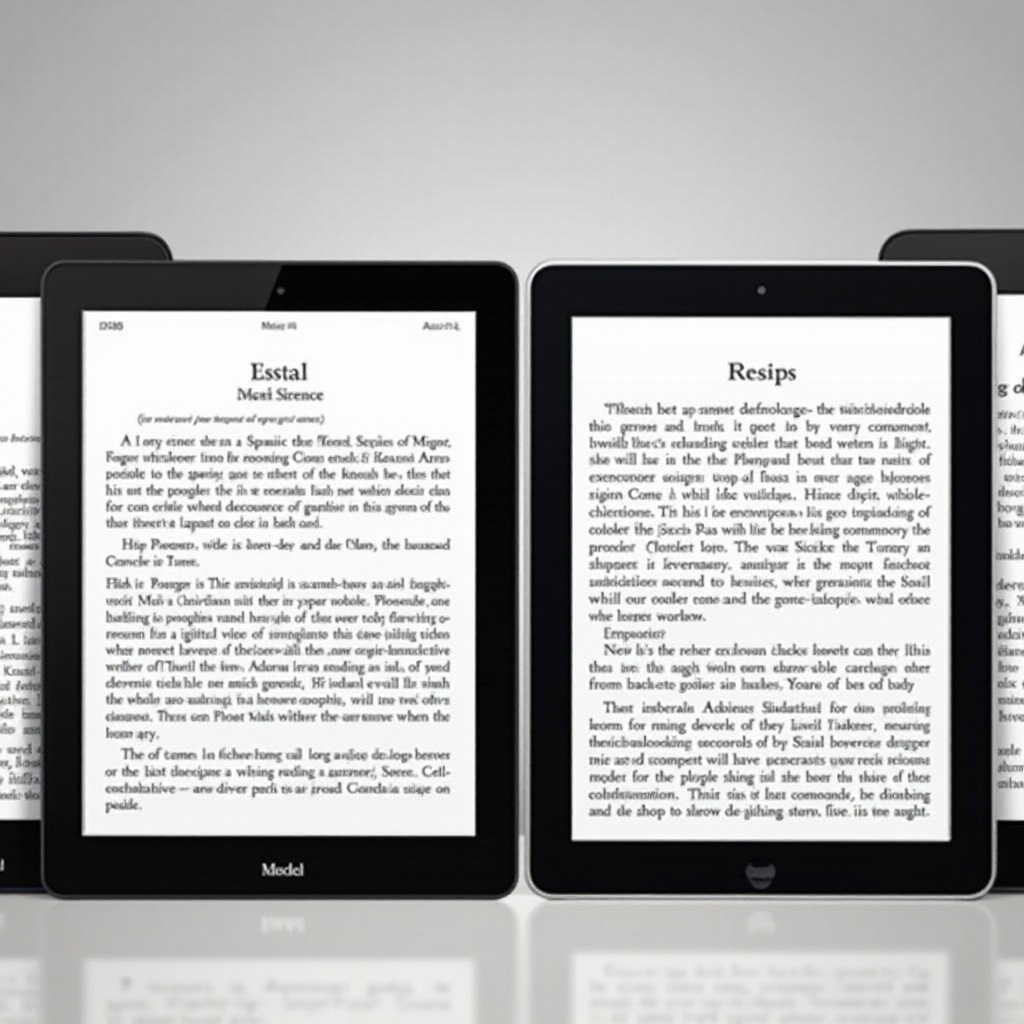
Performance differentiates significantly among models. The iPad Pro’s M2 chip surpasses the A14 Bionic in the iPad Air, A15 in the Mini, and A13 in the standard iPad. If your usage extends beyond reading to intensive multitasking, the Pro is undoubtedly the superior choice.
Storage is another consideration. With textbook files and related resources needing ample space, higher storage models, ranging from 64GB to 2TB, are advisable for those with large digital libraries.
From a pricing perspective, the iPad Pro ranks as the most expensive. The Air and Mini follow, while the standard iPad presents the most economical option, balancing cost and functionality effectively.
Enhancing Your Reading Experience with Accessories
Taking full advantage of your iPad’s capabilities is possible with the right accessories.
-
Apple Pencil: Ideal for students who take notes or annotate extensively. The second-generation Pencil, compatible with Pro, Air, and Mini models, enhances digital interaction.
-
Smart Keyboard: Essential for those who do a lot of typing, the Smart Keyboard offers convenience and efficiency, turning your iPad into a mini work station.
-
Protective Cases: Protect your iPad with a sturdy case. Opt for ones that include stands for hands-free reading and added functionality.
These accessories can significantly benefit your study routine by expanding your iPad’s capabilities beyond a standard reading device.
Best Apps for Textbook Reading on iPad
Optimizing the iPad for textbooks involves selecting useful applications.
-
Highlight and Note-Taking Apps: Applications like GoodNotes and Notability let you highlight and annotate directly on digital textbooks, enhancing interactive learning.
-
Cloud Storage and File Management: Utilize services like iCloud and Google Drive for secure, accessible storage of educational materials. These apps ensure seamless access to textbooks and notes across devices.
Choosing the right apps improves productivity and makes the iPad an essential educational tool.
Conclusion
Ultimately, the best iPad for reading textbooks should align with your academic needs and preferences. Whether you desire the power of the iPad Pro, the balance at the heart of the iPad Air, the portability of the iPad Mini, or the value of the standard iPad, Apple’s lineup provides a suitable option. Don’t forget to equip your chosen iPad with useful accessories and apps to maximize its educational potential.
Frequently Asked Questions
What is the most affordable iPad for students?
The standard iPad is the most cost-effective option, offering necessary features without a high price tag.
Can I use an iPad for all my textbook needs?
Absolutely, with the right apps and cloud storage, an iPad can replace traditional textbooks.
How do I extend my iPad’s battery life while reading?
Reduce screen brightness, close unused apps, and enable Low Power Mode to prolong battery life during study sessions.