

 By
By Introduction
Mini PCs have become increasingly desirable for those seeking compact, cost-effective computing solutions. Whether you need a system for basic computing, media streaming, or light productivity, mini PCs offer an efficient solution at a fraction of the cost of traditional desktops or laptops. In this guide, we explore the top mini PCs under $200 for 2024, helping you find a model that meets your specific needs.
Understanding Mini PCs
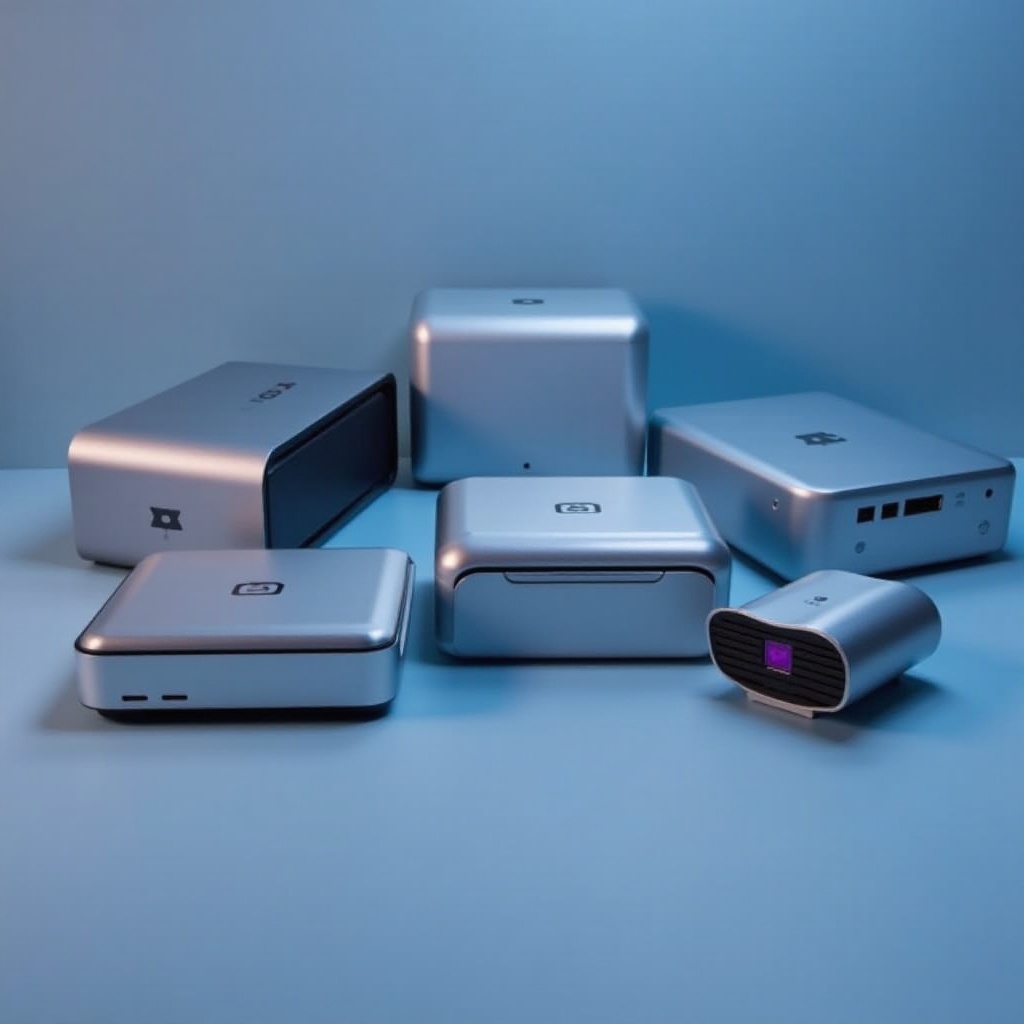
Mini PCs pack significant power into a small form factor, making them ideal for tasks that do not demand the full capacity of a traditional desktop. They’re popular for their energy efficiency, quiet operation, and minimal space utilization. These advantages make them well-suited for environments where space is limited. To make an informed purchase, however, understanding the critical features of mini PCs is essential.
Key Features to Consider
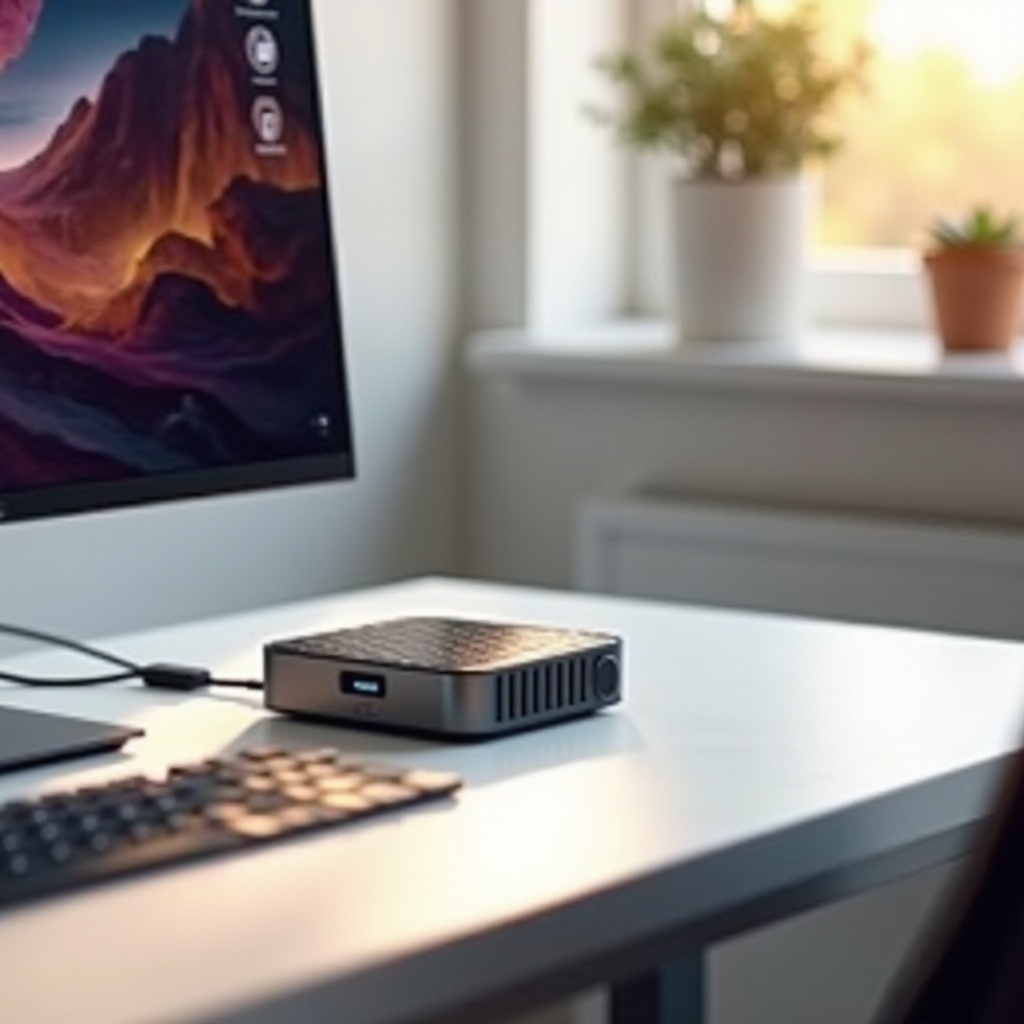
When shopping for a mini PC under $200, keep these features in mind:
-
Processor: The processor is the computer’s brain, ensuring smooth performance. You’ll find efficient units in budget ranges from brands like Intel and AMD.
-
RAM: Sufficient memory is crucial for speed and multitasking. Aim for at least 4GB of RAM for handling everyday tasks effectively.
-
Storage: Decide between a cost-effective HDD and a faster SSD. Storage might be modest, but options for external expansions offer flexibility.
-
Connectivity: Ensure the PC has enough USB ports, HDMI, Bluetooth, and Wi-Fi to connect with peripherals and access the internet with ease.
-
Operating System: Determine if you need a ready-to-go Windows system or if a Linux-based system fits your preferences and requirements.
Armed with knowledge about these features, you’re ready to explore our top selections. Next, we’ll detail the best mini PCs available, each with specific advantages within this budget category.
Top 5 Mini PCs Under $200
- Model 1: Beelink U57
- Features and Specs: Driven by an Intel Core i5-5257U, with 8GB RAM and a 256GB SSD, the Beelink U57 is adept at multitasking and basic productivity.
-
Pros and Cons: Offers impressive performance for the price point, though limited graphics capabilities might dissuade gamers.
-
Model 2: Chuwi HeroBox
- Features and Specs: Equipped with an Intel Gemini Lake N4100 chip, 8GB RAM, and a 180GB SSD, the HeroBox is tailored for general use and light entertainment.
-
Pros and Cons: Highly affordable and efficient but not made for heavy software tasks.
-
Model 3: ACEPC AK1
- Features and Specs: Features an Intel Celeron J3455 processor, 4GB RAM, and a 64GB eMMC, with an additional slot for expansion.
-
Pros and Cons: Compact and expandable storage, though the limited internal storage might require immediate upgrades.
-
Model 4: MINIX NEO N42C-4
- Features and Specs: Runs on an Intel Pentium N4200, with 4GB RAM (upgradeable) and 32GB eMMC storage.
-
Pros and Cons: Well-built with a balanced feature set; initial storage might seem limited to some users.
-
Model 5: Azulle Access4
- Features and Specs: A fanless stick PC with Intel Gemini Lake, 4GB RAM, and 32GB storage, designed for simple, portable computing.
- Pros and Cons: Exceptionally portable and silent, though the limited ports can restrict peripheral connections.
These models present varied options for users with diverse preferences. Selecting a mini PC involves aligning features with personal needs, as demonstrated by the strengths and weaknesses outlined here.
How to Choose the Right Mini PC for Your Needs
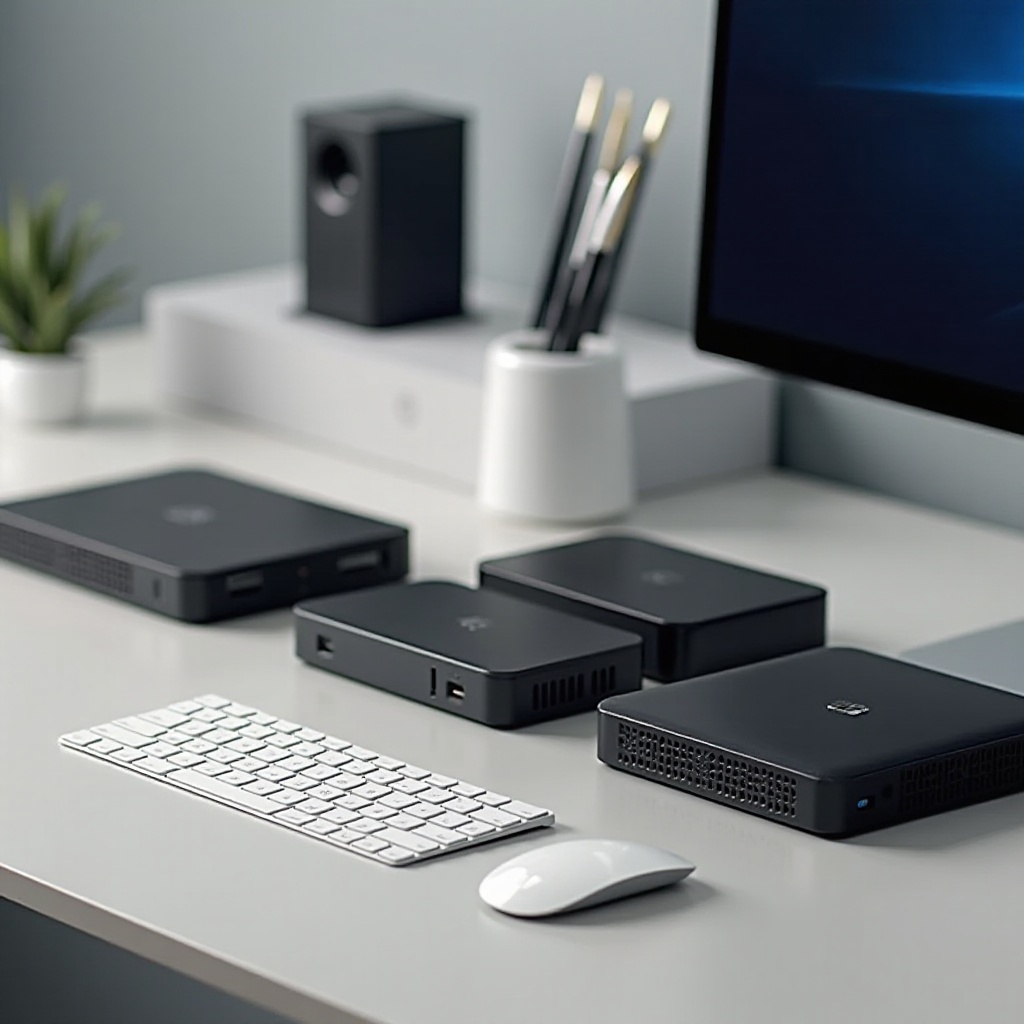
Upon reviewing these options, selecting the right mini PC requires an evaluation of its features against your needs:
- For Productivity: Choose a unit with a solid CPU and ample RAM, like the Beelink U57.
- For Entertainment: The Chuwi HeroBox offers good audiovisual capabilities.
- Portability: The ultra-portable Azulle Access4 is perfect for users on the move.
Identifying priority categories will guide your purchasing decision, ensuring the PC you select provides optimal functionality.
Performance Comparison and Value
Each mini PC offers a distinct value proposition at the sub-$200 price point. It’s important to strike a balance between performance and budget – higher-grade components generally deliver superior speed and efficiency:
- Beelink U57 stands out for its multitasking ability and storage capacity.
- HeroBox focuses on energy efficiency with smooth media playback.
- ACEPC AK1 earns marks for customization and expandability.
Weigh your intended use to ensure you choose the mini PC that provides the best value. Dig deeper by checking user reviews and expert evaluations for comprehensive insights.
Conclusion
Mini PCs under $200 represent compelling budget-friendly computing options. They offer essential capabilities for everyday tasks and light-duty applications. This guide simplifies your buying process by highlighting models suited to various requirements. While your specific needs will determine the ideal mini PC for you, the options reviewed provide excellent starting points for maximizing value within your budget.
Frequently Asked Questions
What is the best use for a mini PC under $200?
Mini PCs under $200 are ideal for basic computing, media streaming, and home office tasks, offering portability and energy efficiency.
Can a mini PC under $200 be used for gaming?
While not designed for high-end gaming, certain mini PCs can handle light gaming with older or less-demanding titles. Look for models with better CPU and RAM specs.
What peripherals do I need for a mini PC?
You’ll need a monitor, keyboard, and mouse. Additionally, external storage or a USB hub might enhance functionality based on the model’s connectivity options.