

 By
By Introduction
Choosing a microphone that complements your Mac Mini can significantly enhance your audio experience, whether you’re podcasting, streaming, or recording music. Apple’s Mac Mini is known for its powerful performance in a compact package, and pairing it with a high-quality microphone is essential to ensure superior sound. This guide explores the top microphones for Mac Mini users in 2024, helping you find the ideal choice for your unique requirements.
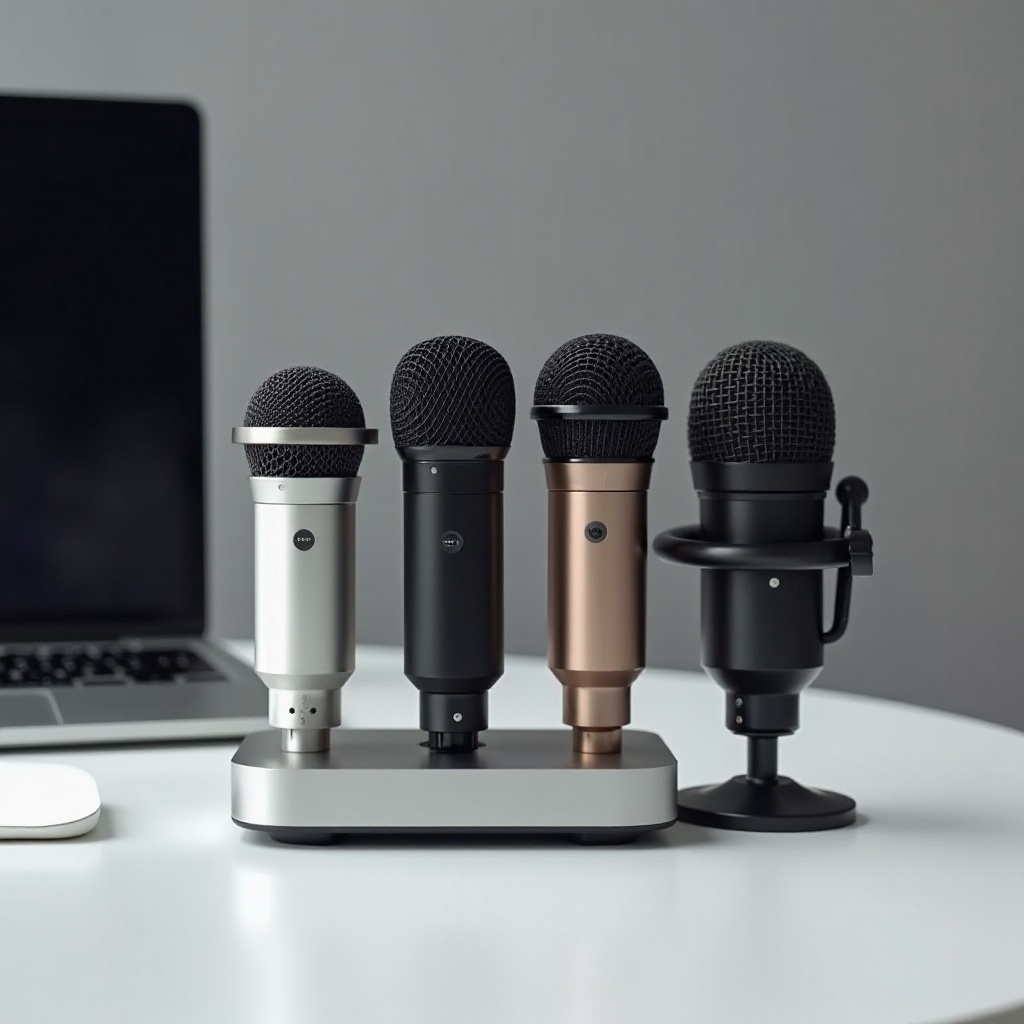
Key Considerations When Choosing a Microphone
When searching for the best microphone for your Mac Mini, several factors should be kept in mind:
-
Compatibility: Confirm that the microphone is compatible with Mac Mini systems to prevent setup issues. Most modern microphones are Mac-friendly, but it’s wise to verify this before purchasing.
-
Audio Quality: Focus on microphones that offer high bit rates and excellent frequency responses to ensure professional-quality audio capture.
-
Connectivity: Decide between USB, XLR, or wireless models based on your needs. USB microphones are convenient for their plug-and-play utility, while XLR options provide more flexibility for professional settings.
-
Design and Portability: Consider if you need a portable microphone or a more robust model for a stationary setup. The right design can aid in handling and storage, especially if you’re frequently on the move.
Understanding these factors will allow you to choose a microphone that perfectly meets your audio production needs.
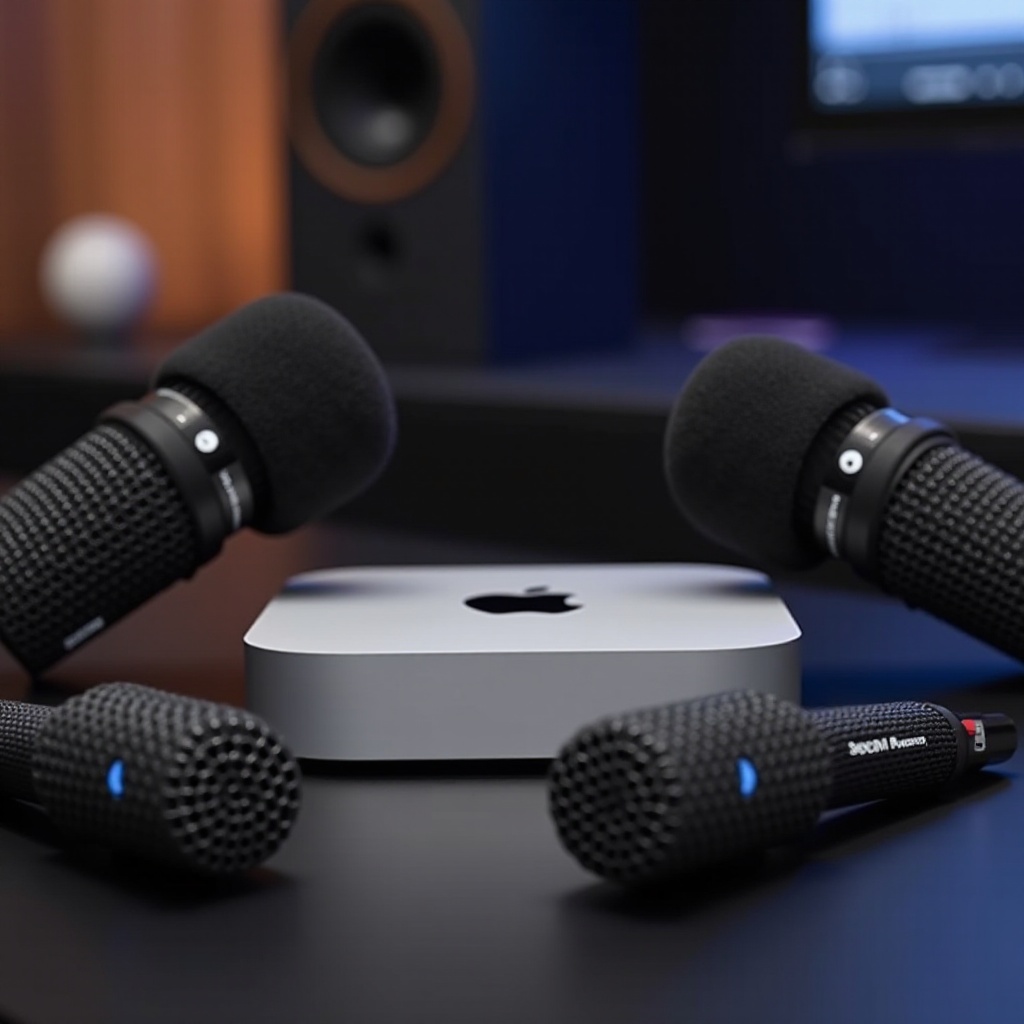
Top Microphone Picks for Mac Mini
In 2024, there are excellent microphones tailored for Mac Mini users:
-
Blue Yeti USB Microphone: Renowned for its adaptability, the Blue Yeti is a favorite among podcasters and streamers. It features multiple pattern selections, allowing users to customize their sound capture, alongside a straightforward USB setup.
-
Rode NT-USB Mini: This compact yet powerful microphone is a fantastic option for content creators needing studio-level sound. Its magnetic base allows for easy positioning, and real-time zero-latency monitoring ensures immediate feedback.
-
Audio-Technica ATR2100x-USB: Ideal for podcasting, this microphone offers both USB and XLR outputs, providing versatile connectivity. Its cardioid polar pattern effectively reduces background noise, resulting in clear and precise audio.
-
Shure MV5: Perfect for professionals on the go, the Shure MV5 combines portability with performance. It offers three DSP preset modes to adapt the microphone for vocals, flat sound, or instruments.
-
HyperX QuadCast: Favored by gamers, the HyperX QuadCast offers superior sound quality and includes an anti-vibration shock mount. Its unique design includes RGB lighting and a tap-to-mute feature.
Selecting a microphone from these top picks depends on your specific priorities, whether it’s for high-quality sound, portability, or unique features like RGB lighting.
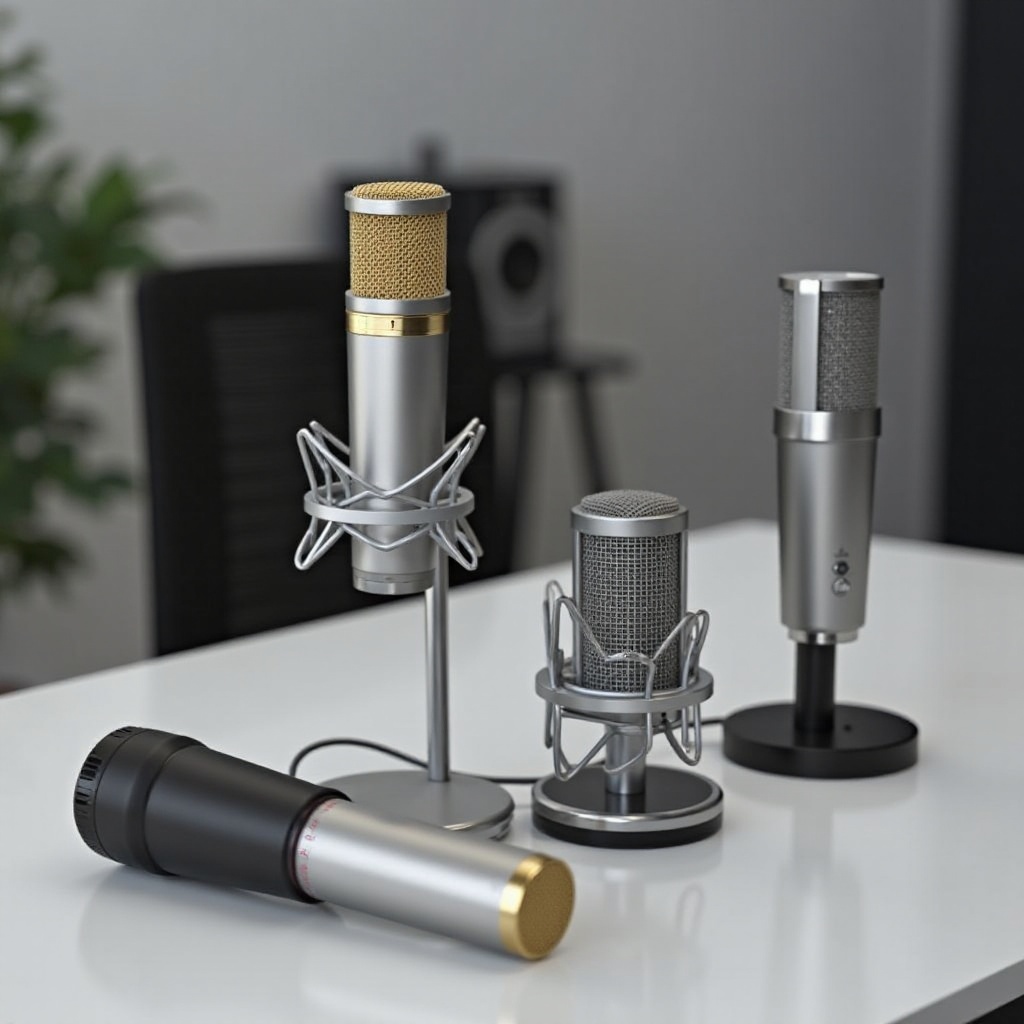
Setting Up Your Microphone with a Mac Mini
Once you’ve selected your microphone, setting it up correctly on your Mac Mini is crucial to achieving optimal audio performance. Follow these steps:
-
Connect the Microphone: For USB mics, plug it into an available USB port on your Mac Mini. For XLR mics, connect to an audio interface before plugging into the Mac.
-
Access System Preferences: Navigate to System Preferences, select ‘Sound,’ and ensure your microphone is set as the default input device.
-
Test Audio Levels: Use the input level slider to adjust your microphone’s sensitivity. Speak into it to make sure the sound is clear and free from distortion.
-
Utilize Audio Software: Consider using GarageBand, Audacity, or another audio application to tweak settings and enhance your recordings further.
By following these steps, you can optimize your microphone’s performance with your Mac Mini, ensuring clear and professional audio output every time.
Conclusion
Selecting the best microphone for your Mac Mini can drastically improve your audio output, whether you’re a hobbyist or a professional creator. The options explored in this article offer a range of features and prices, catering to diverse needs. Take into account your unique requirements and the key considerations discussed to make the most informed decision. With the right microphone, your Mac Mini will produce exceptional sound quality.
Frequently Asked Questions
How do I connect a microphone to my Mac Mini?
Plug the microphone into an available USB port or set up an XLR interface if needed. Ensure it is selected as the input device in System Preferences under ‘Sound’.
Can I use an XLR microphone with a Mac Mini?
Yes, using an XLR microphone requires an audio interface that connects via USB to your Mac Mini, allowing for more control over sound quality.
What additional software might I need for optimal microphone performance?
Consider using audio editing software like GarageBand or Audacity to enhance your recordings with advanced tools for mixing and editing audio.