

 By
By Introduction
As you prepare to buy a new TV, one of the most important factors to consider is its size. A 32-inch TV is a popular choice for bedrooms, dorms, and small living spaces. But what does ’32-inch’ mean, and how does it affect how the TV will fit into your space? This guide walks you through understanding the dimensions of a 32-inch TV so you can make the best choice for your home.
Clarifying Screen Size vs. Actual Size
When you hear ’32-inch TV,’ you might think of the width or height, but it refers to the diagonal measurement of the screen. Knowing this can prevent buying mistakes and ensure you get a TV that fits well.
Diagonal Screen Measurement
The ’32-inch’ refers to the diagonal length of the screen, from one corner to the opposite corner. This measurement standard helps consumers compare TV sizes easily, but it doesn’t give the full picture of the TV’s physical footprint.
Understanding Total Dimensions
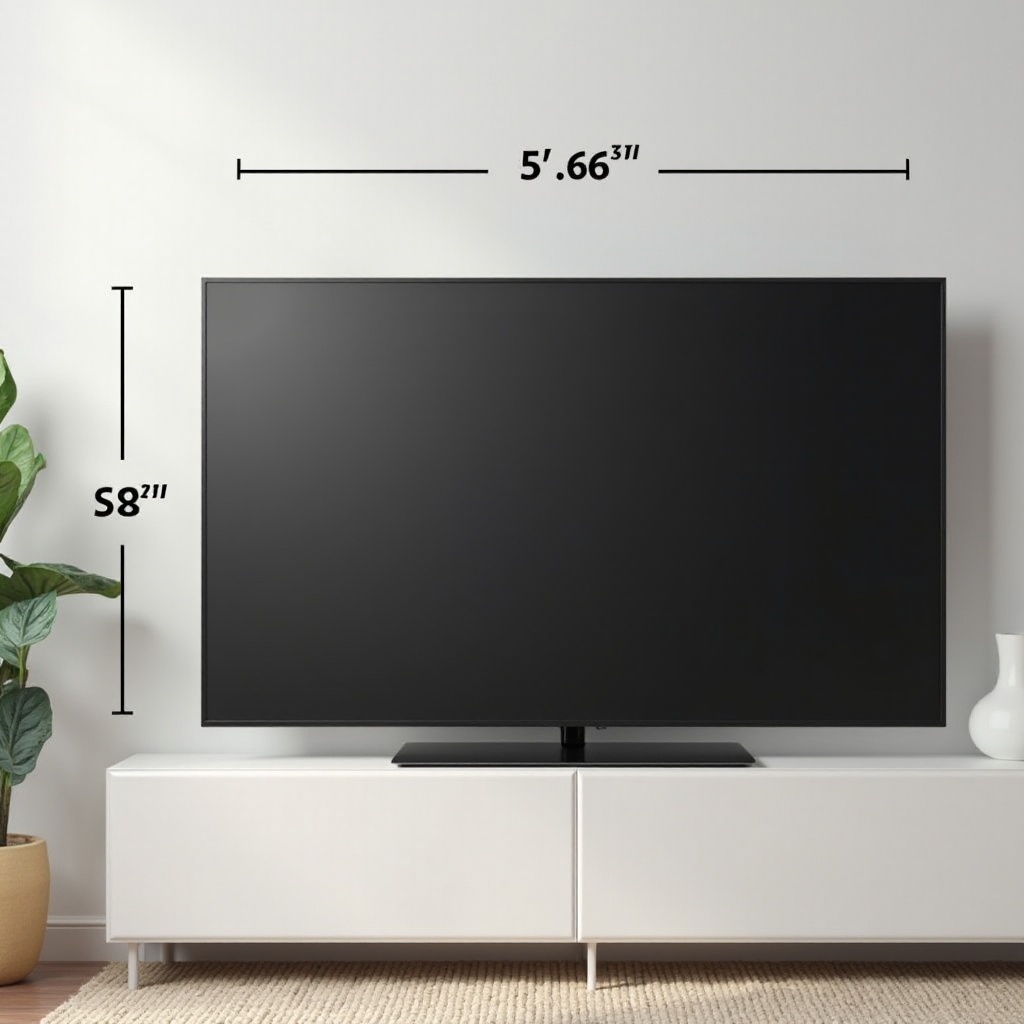
The overall size of a TV includes the bezels and, if applicable, its stand. A typical 32-inch TV might measure around 28 to 30 inches wide and 16 to 18 inches tall without the stand. It’s crucial to check these dimensions for fitting into wall mounts or TV units.
Considering Room Layout
After getting the actual dimensions, it’s critical to consider your room layout. This step ensures your TV isn’t just about fitting a space but also being placed for an optimal viewing experience.
Appropriate Viewing Distance
For a 32-inch TV, the recommended viewing distance is between 4 to 6 feet. Sitting further or closer might affect your picture perception and watching comfort.
Measuring Your Space
- Measure the wall area where the TV will be placed.
- Consider furniture arrangements that might block or obscure the view.
- Ensure that there’s enough airflow behind the TV for cooling.
The viewing experience is affected by more than just TV dimensions; how it’s installed and integrated into your living area plays a role too.
Installation Methods
Once you determine the best spot based on dimensions and room layout, it’s time to decide on installation: wall-mounting or using a stand.
Wall Mounting vs. Stand Use
- Wall Mounting: Saves space and can create a minimalist look but requires careful measurement and installation.
- Stand Use: Provides flexibility and easier adjustments but takes up more surface space.
Necessary Tools and Accessories
If you opt for wall mounting, make sure you have:
– A stud finder
– Suitable wall brackets for your TV
– A level to ensure even installation
Conversely, a good TV stand should:
– Complement the room’s decor
– Provide additional storage if needed
Enhancing Viewing Experience
Finally, maximizing your TV’s capabilities can significantly improve your viewing experience. Beyond just size, features such as resolution, sound, and smart connectivity are essential.
Picture and Audio Quality
Choose a TV with full-HD or 4K resolution for clearer, more lifelike images. Consider complementing it with a soundbar for a better auditory experience, especially if the built-in speakers are lacking.
Smart Features and Connectivity
Many modern TVs include smart features allowing you to stream content directly from platforms like Netflix and Hulu. Look for models with HDMI and USB ports for expanding functionality with external devices and game consoles.
Conclusion
Understanding the intricacies of a 32-inch TV’s dimensions helps you make an informed purchase that fits both your space and needs. It’s more than just how big the screen is; it’s about how your TV integrates into your lifestyle and enhances your viewing.
Frequently Asked Questions
What are the typical dimensions of a 32-inch TV?
Typically, it measures around 28 to 30 inches wide and 16 to 18 inches tall without the stand.
Is a 32-inch TV big enough for my room?
A 32-inch TV suits small spaces with a viewing distance of 4 to 6 feet.
How do I safely mount my 32-inch TV on the wall?
Use a stud finder, secure brackets, and ensure a level mount following the manufacturer’s guide.