

 By
By Introduction
Beats Studio Pro headphones are celebrated for their superior audio quality and sleek design, making them a popular choice among music lovers and tech enthusiasts. With the rise of gaming on the PlayStation 5, users are eager to know if these premium headphones can enhance their gaming experience on the PS5. This blog will guide you through the possibilities of connecting Beats Studio Pro to PS5, providing detailed instructions, troubleshooting tips, and even exploring competitive alternatives should you decide to compare options.
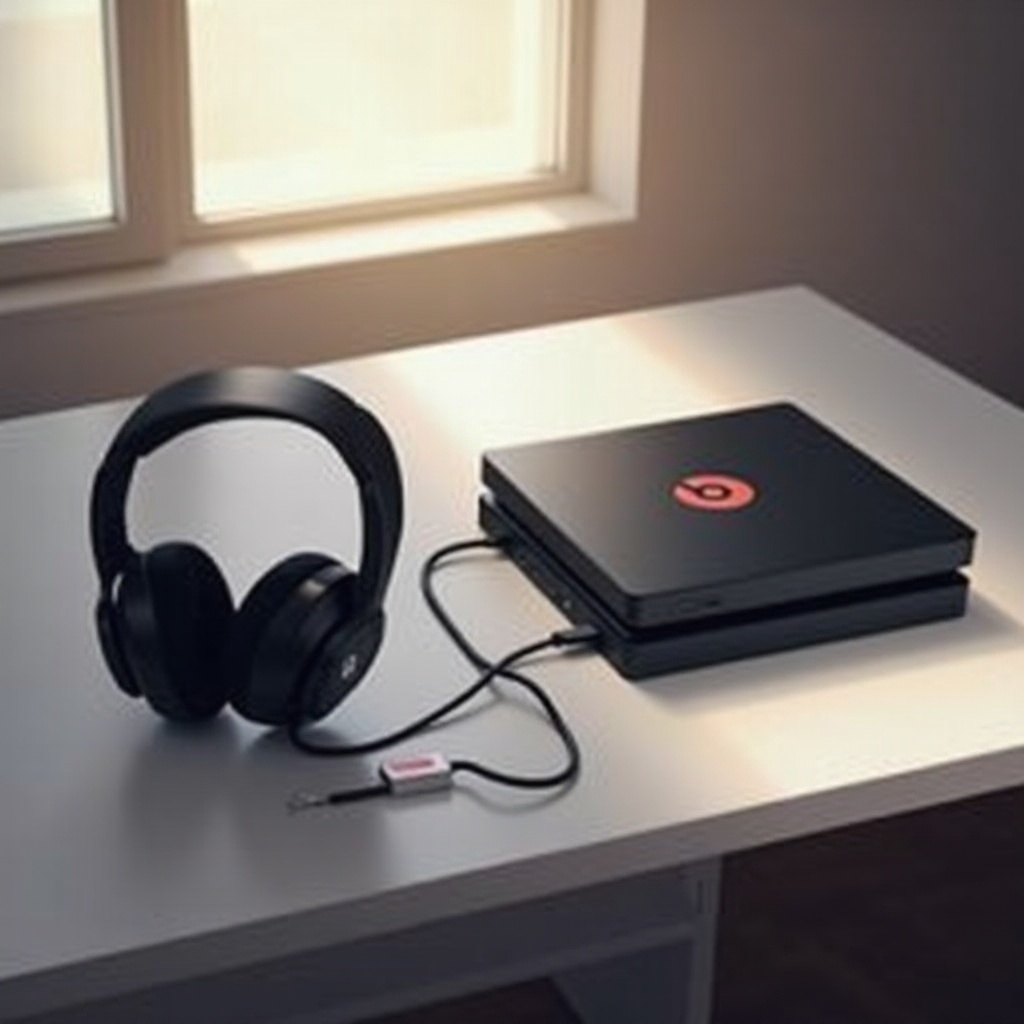
Understanding Beats Studio Pro Connectivity
Beats Studio Pro headphones provide versatile connectivity options, allowing users to enjoy both wireless and wired experiences.
-
Wireless Options: Bluetooth Connectivity
Beats Studio Pro utilizes Bluetooth technology, enabling users to connect wirelessly to a range of devices. This functionality is ideal for users who prefer untethered gameplay and wish to avoid cable clutter. -
Wired Connection: Audio Cable Options
Alongside wireless freedom, these headphones come with an audio cable, offering a traditional connection method for those who prefer wired stability or experience connection issues.
This foundational knowledge about connectivity will help you better understand the compatibility possibilities between Beats Studio Pro and PS5, paving the way for a seamless gaming audio setup.
Compatibility with PS5
Assessing connectivity options leads us to explore whether Beats Studio Pro aligns with the PS5’s capabilities.
-
Official Compatibility Status
Officially, Sony does not endorse third-party Bluetooth headphones for PlayStation 5. Despite this, workarounds exist to achieve connection, creating opportunities for using Beats in gaming sessions. -
Real-World User Experiences
Many users report successfully connecting Beats Studio Pro to PS5 using both wireless and wired methods. These personal accounts provide not only hope but also practical solutions to enjoy gaming audio without official support.
It’s now time to explore in detail how you can connect your Beats Studio Pro to your PS5, leveraging these experiences to enhance your gameplay.
How to Connect Beats Studio Pro to PS5
Use the following methods to connect Beats Studio Pro headphones to the PS5:
- Step-by-step Bluetooth Connection Guide
- Obtain a Bluetooth adapter, essential for PS5 Bluetooth audio connection.
- Pair this adapter with the Beats Studio Pro by following instructions to put the headphones in pairing mode.
- Adjust the PS5 settings by navigating to Settings > Sound and setting the output to ‘USB Headphones’.
Following these steps, you should be able to enjoy a wireless gaming audio experience.
- Establishing a Wired Connection
- Connect the audio cable from Beats Studio Pro to the PS5’s DualSense controller’s audio jack.
- Configure settings: Head to PS5 Settings > Sound, and select ‘Output Device’ as ‘Controller Headphones’.
These connection methods allow for adaptable audio setups, ensuring no gamer is left unable to use their Beats Studio Pro headphones with the PS5.
Troubleshooting Common Connection Issues
Encountering issues with your connection can be frustrating. Here are some common problems and their solutions:
- Bluetooth Connectivity Problems
- Interference: Minimize other active Bluetooth devices nearby to avoid connection disruption.
-
Battery Issues: Ensure both headphones and Bluetooth adapter are adequately charged to maintain connection.
-
Wired Connection Challenges
- Audio Distortion: Confirm the cable is securely connected. If issues persist, try an alternative cable.
- Poor Connection: Check PS5 ports and use a different USB port or controller if needed.
Successfully troubleshooting these common issues ensures a consistently enjoyable gaming experience with Beats Studio Pro.
Enhancing Your Gaming Audio Experience
With the connection established, optimizing your audio settings can significantly heighten your gaming experience.
-
Optimizing Audio Settings on PS5
Customize 3D audio settings on the PS5 to exploit the full potential of immersive sound capabilities with Beats Studio Pro. -
The Role of Headphone Features in Gaming
Features like active noise cancellation and superior audio tuning make Beats Studio Pro an excellent choice for clarity and competitive advantage in gameplay.
Proper optimization and configuration guarantee that these headphones not only deliver audio but enhance every gameplay aspect, creating a richer, more cohesive gaming experience.
Alternative Headphones for PS5
While Beats Studio Pro is versatile, other headphones may offer different benefits tailored for gaming.
- Comparing Beats Studio Pro with Competitors
Dedicated gaming headsets, such as the Sony Pulse 3D or SteelSeries Arctis 7P+, provide native compatibility and integrated microphones that might cater to ardent gamers looking for specialized features.
Considering these alternatives may help you make informed choices about your gaming setup, balancing personal preference with device compatibility.
Conclusion
To summarize, connecting Beats Studio Pro to the PS5 is achievable through both Bluetooth and wired methods, albeit with minor workarounds. By following the above instructions and optimizing settings, you can fully enjoy premium audio quality during your gaming sessions. When exploring alternatives, compare features, compatibility, and comfort to ensure the best fit for your gaming style. Whether you stay with Beats or opt for purpose-designed gaming headphones, your auditory gaming experience will undoubtedly be enriched.
Frequently Asked Questions
Can I use Beats Studio Pro for voice chat on the PS5?
Yes, but you may need a separate microphone for effective communication within games.
Does using Beats Studio Pro affect PS5 performance?
No, the headphones won’t impact the console’s performance. They only alter the audio output quality.
What should I do if my Beats Studio Pro won’t connect to PS5?
Ensure all devices are charged, reset your Bluetooth adapter, and follow the troubleshooting steps outlined.