

 By
By Introduction
A top-tier gaming laptop setup sets the stage for an immersive gaming experience. It’s not just about having a powerful laptop; combining cutting-edge accessories and optimizing your environment plays a crucial role. This guide is your pathway to building the best gaming setup that will elevate your gaming experience to new heights in 2024.
Selecting the Perfect Gaming Laptop
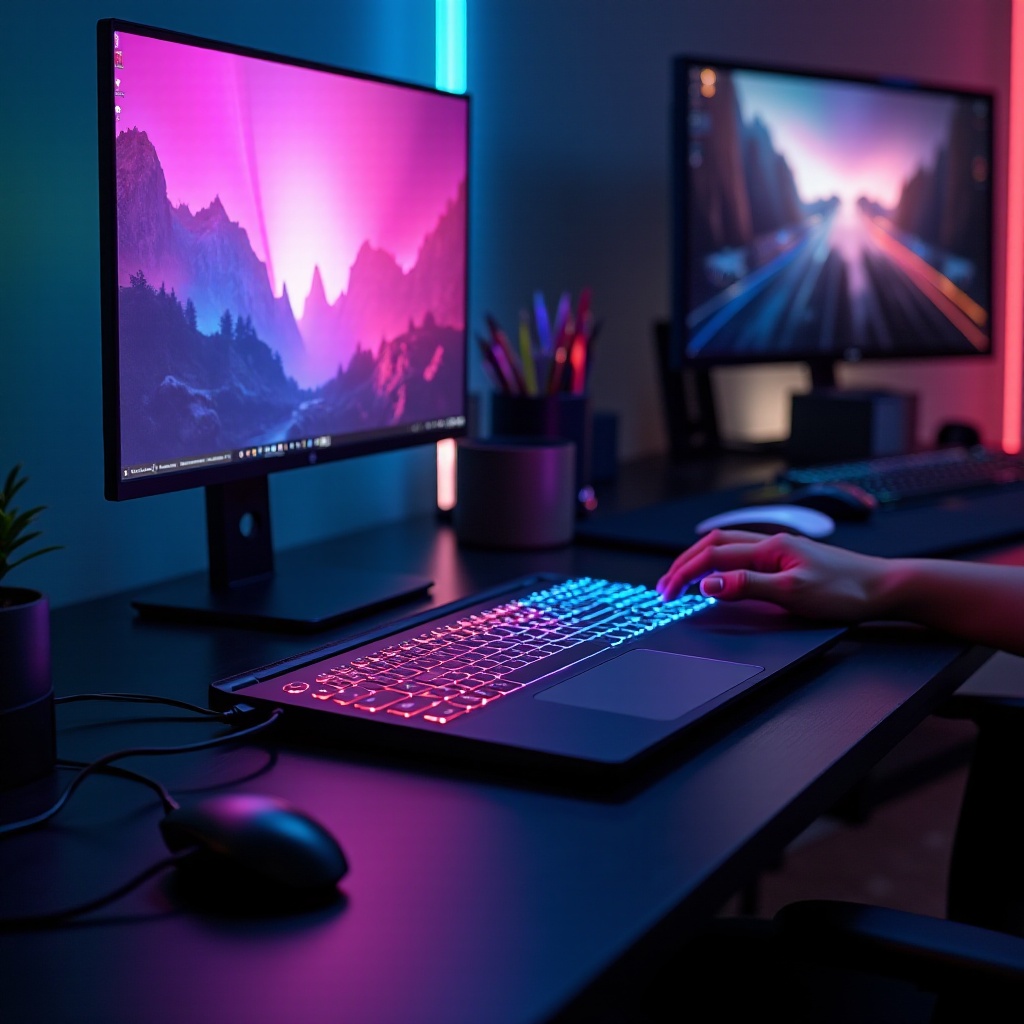
Choosing the right gaming laptop is a critical first step. Consider the following key specifications when making your selection:
-
Graphics and Processing Power: Opt for laptops with a state-of-the-art GPU like the NVIDIA RTX 40 series or AMD Radeon 6000 series for stunning visuals. A powerful CPU such as the Intel i9 or AMD Ryzen 9 ensures smooth operation and multitasking.
-
RAM and Storage: To meet modern game demands efficiently, ensure your laptop has at least 16GB of RAM and SSD storage of 512GB or more.
Here are the top recommended gaming laptops for 2024:
- High-End: ASUS ROG Zephyrus and Alienware m17 offer unmatched performance.
- Mid-Range: MSI GF65 and Acer Predator Helios provide excellent value with strong specs.
Choosing the ideal laptop lays the foundation for an exceptional gaming setup. Let’s enhance this foundation with essential gaming accessories.
Must-Have Accessories for Gaming
Incorporating the right accessories can significantly elevate your gaming sessions by offering added comfort and control:
- Premium Gaming Mouse and Keyboards: Devices like the Logitech G Pro or Razer Huntsman provide precision with customizable buttons and mechanical switches.
- Headsets with Superior Audio Quality: To fully immerse yourself in games, consider headsets like the SteelSeries Arctis Pro Wireless, known for delivering crisp and clear sound.
- The Benefits of an External Monitor: Enhance detail with larger screens featuring high refresh rates, like those from ASUS or BenQ, and enjoy the benefits of a dual-screen setup for multitasking.
With these essential accessories, your gaming setup begins to take shape. Next, we will focus on creating an optimal gaming environment.
Designing Your Gaming Environment
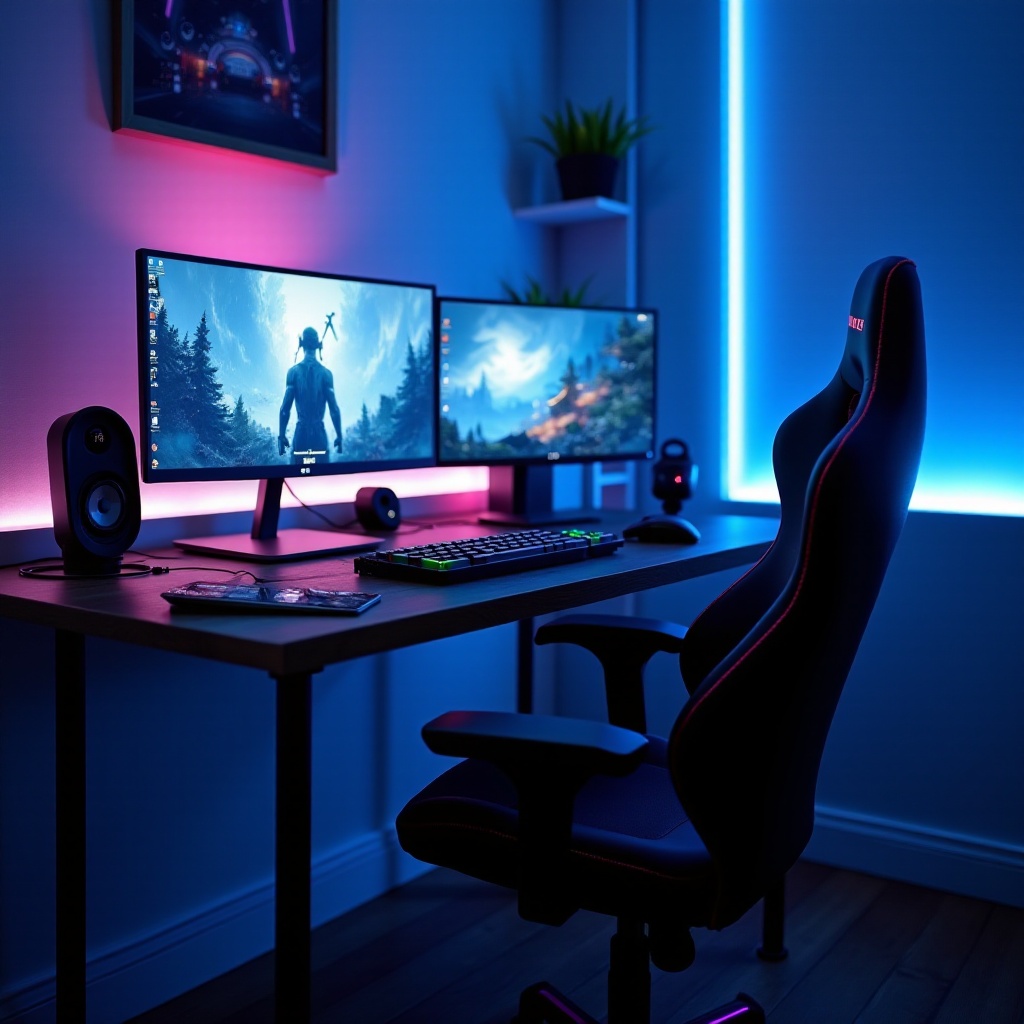
An efficient gaming environment not only looks appealing but also supports prolonged sessions of gaming enjoyment:
- Ergonomic Furniture for Gamers: Choose a supportive gaming chair like the Secretlab Titan, which offers adjustable features for maximum comfort during long play sessions.
- Optimal Lighting for a Gaming Setup: Implement RGB lighting with smart LED strips and lamps from brands like Philips to set the mood and reduce eye strain, enhancing both ambiance and visibility.
Crafting a well-designed gaming space supports your physical comfort and mental focus. Now, let’s look at optimizing your laptop’s performance for the best gaming outcomes.
Enhancing Your Gaming Performance
To maintain an optimal gaming setup, regular performance enhancements are necessary:
- Essential Software Optimizations: Update graphics drivers and operating systems consistently to avoid disruptions. Utilize tools like MSI Afterburner for real-time performance monitoring.
- Effective Cooling Solutions: Manage heat with cooling pads or external fans, opting for trusted brands like Cooler Master to ensure your laptop remains cool under pressure.
These performance optimizations are vital for keeping your gaming hardware in top condition, ensuring smooth operations throughout your gaming adventures. Finally, let’s conclude with the key takeaways of building the ultimate gaming setup.
Conclusion
An exceptional gaming laptop setup combines powerful technology with thoughtful design and accessories. By identifying your needs and wisely choosing each component, you can create a personal gaming space that maximizes performance and enjoyment, ready to evolve with future innovations.
Frequently Asked Questions
What is the best laptop brand for gaming in 2024?
ASUS and Alienware lead in innovation and performance, offering top choices across various price ranges.
How can I extend the lifespan of my gaming laptop?
Regular maintenance, including keeping software updated and managing heat with cooling solutions, helps extend your laptop’s lifespan.
Is it better to use a wired or wireless mouse for gaming?
Wired mice offer faster response times which are ideal for competitive gaming, though wireless options are improving rapidly with technology advances.