

 By
By Introduction
Your Samsung 75-inch QLED Smart TV is a centerpiece in your home, so power issues can be a real concern. This guide outlines potential causes and solutions to help you restore your TV’s functionality quickly.
Initial Steps to Diagnose Power Issues
Starting with basic checks rules out simple issues before moving to more complex fixes.
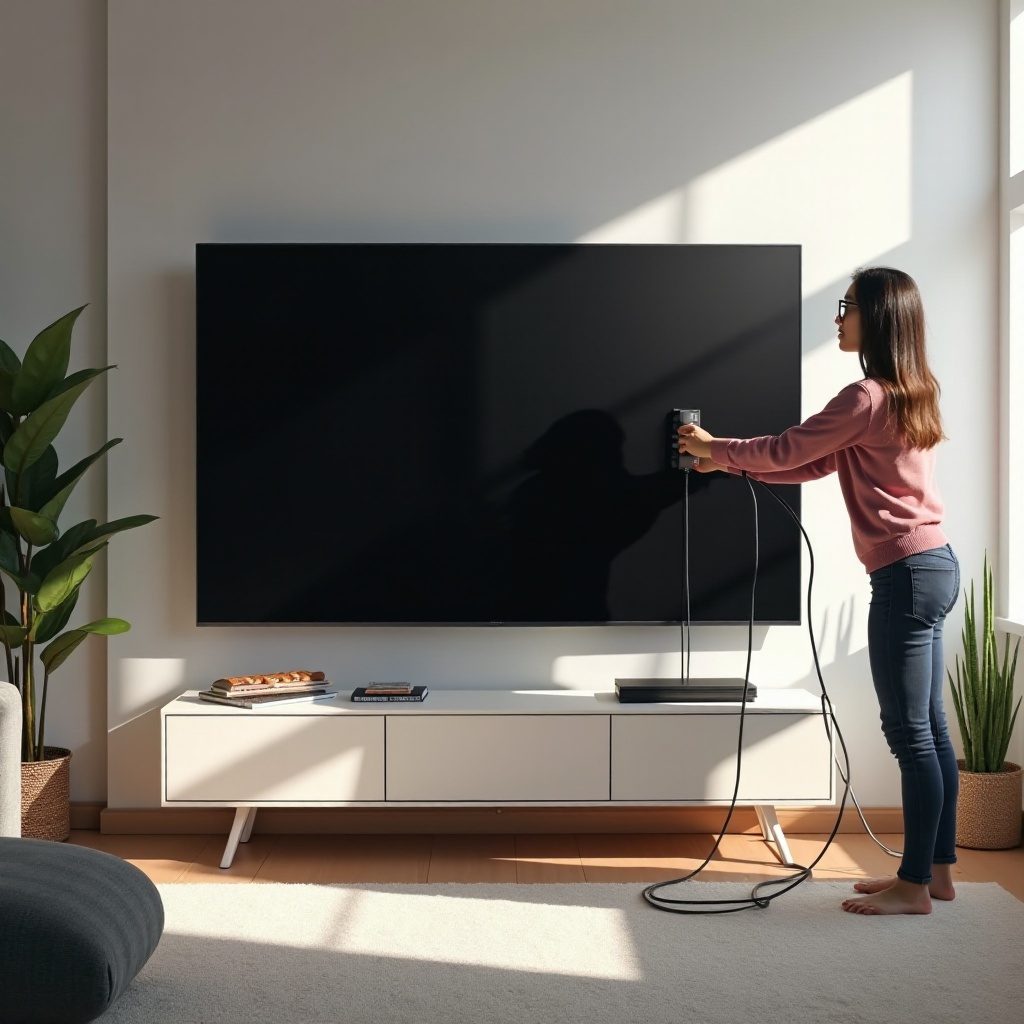
- Verify Power Supply and Connections: Ensure your TV is securely plugged into a working outlet. Reconnect the plug to ensure firm contact.
- Inspect for External Damage: Look for any visible damage to the power cord, which might necessitate replacement for safety.
- Ensure Remote Control Functionality: Test the remote with fresh batteries, or use the TV’s power button to see if the issue lies with the remote.
Quick Troubleshooting Solutions
Before exploring technical solutions, try these effective yet straightforward fixes.
- Perform a Soft Reset:
- Unplug your TV from the power source.
- Wait for around 30 seconds.
-
Reconnect and power on your TV.
-
Test with a Different Power Outlet:
- Relocate the TV and connect it to an alternate outlet.
-
This helps determine if the issue is with the initial power source.
-
Check for Loose or Damaged Cables:
- Inspect all attached cables for wear or loose connections.
- Replace any faulty cables.
Advanced Diagnostic Techniques
If basic troubleshooting doesn’t resolve the issue, consider these advanced methods with caution.
-
Understand LED Indicator Signals: Investigate any blinking lights on your TV. Samsung TVs use these signals to indicate problems; consult your manual for specific meanings.
-
Inspect Internal Components with Caution: If you’re experienced, look inside at the power board to spot possible issues like blown capacitors. If unsure, contact a professional.
-
Consider Overheating and Ventilation Issues: Ensure your TV has adequate airflow. Dust buildup in vents can cause overheating and power problems, so clean the area around your TV.
Software and Firmware Considerations
Addressing software issues can be crucial if initial methods aren’t effective.
-
Updating Firmware Without Display: Visit the Samsung website for details on updating your firmware using a USB stick or other methods.
-
Recognize Software Bugs and Fixes: If bugs are the problem, finding a community solution or having Samsung support walk you through a fix could be helpful.
Knowing When to Seek Professional Help
Sometimes professional intervention is necessary.
-
Identifying Red Flags for Professional Repair: Persistent issues like no display, odd noises, or electrical smells indicate it’s time to call an expert.
-
Explore Warranty and Support Services: If under warranty, contact Samsung. Their authorized support can fix many issues and often at no cost to you.
Conclusion
These methods should address most power issues with your Samsung 75-inch QLED Smart TV. Effective troubleshooting begins with simple steps and can gradually extend to more complex solutions. And always feel assured that professional help is available.
Frequently Asked Questions
What should I do if my Samsung TV still won’t power on after troubleshooting?
Contact a professional technician or Samsung support to diagnose more complex issues.
How often should I update my TV’s firmware?
Check regularly for updates and install them promptly to maintain optimal performance.
Is it safe to open the TV back panel by myself?
It’s best left to professionals unless you have experience with electronics, as it might cause more damage and void warranties.