

 By
By Introduction
The MacBook Air is a sleek and powerful device, esteemed for its minimalist design and robust performance. But keeping that pristine look intact can be quite a challenge, especially when it comes to scratches that tend to appear with usage. These blemishes not only detract from its beauty but can also potentially lower its resale value. To keep your MacBook Air looking new, it’s essential to learn how to both prevent and manage scratches effectively.
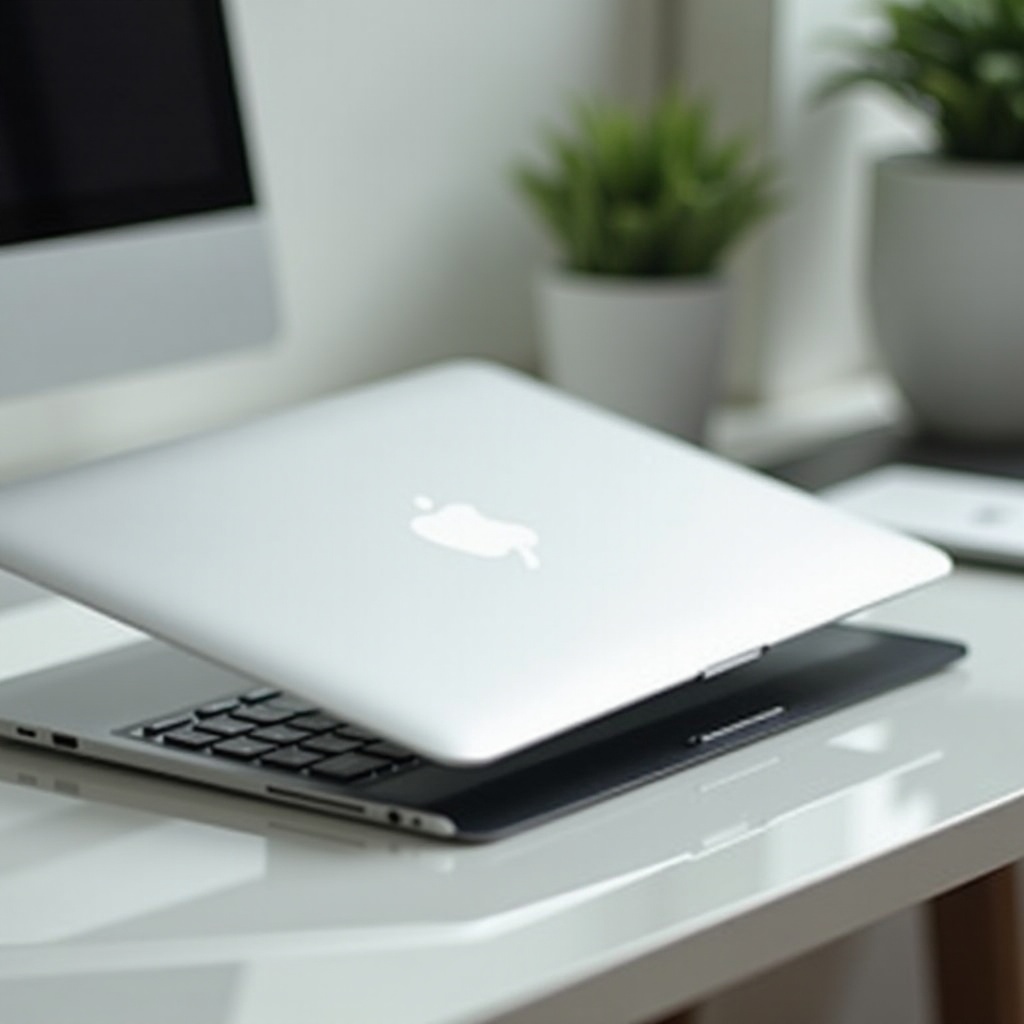
Understanding Scratches on MacBook Air
Scratches on the MacBook Air may result from everyday use and mishaps. Although they might seem minor, understanding their causes and types will help you maintain your laptop better.
Common Causes of Scratches
- Friction with Rough Surfaces: Placing the MacBook Air on abrasive surfaces can easily result in scratches.
- Accidental Drops and Slides: These incidents often lead to both minor and severe scratches.
- Contact with Hard Objects: Items like keys, pens, or hard objects can cause scratches when left nearby.
Types of Scratches and Their Impact
Scratches range in severity:
– Superficial Scratches: These surface-level scratches can often be treated with simple DIY methods.
– Deep Scratches: These require more attention and possibly professional intervention, impacting not just aesthetics but sometimes functionality.
Preventing Scratches on Your MacBook Air
Avoiding scratches should be your first line of defense, achievable with a few proactive measures.
Use of Protective Cases and Skins
- Cases: A high-quality protective case can shield your MacBook Air from accidental falls and everyday friction.
- Skins: Applying a skin not only customizes your device but also provides an added layer of protection.
Proper Handling and Storage
- Store your MacBook Air in the padded section of your bag.
- Keep it separate from other items to avoid scratches.
- Use a dedicated laptop sleeve for added protection.
Routine Cleaning Tips
- Regular cleaning with a microfiber cloth can prevent dust particles from scratching the surface.
- Always check and remove any debris before cleaning.
Despite best efforts to prevent them, scratches do occur. Luckily, there are several methods for dealing with them effectively.
DIY Methods for Scratch Removal
When scratches appear, there are several DIY solutions to consider.
Using Household Items
- Toothpaste: A small dab on a cloth can reduce minor scratches with gentle polishing.
- Baking Soda Paste: Mix with water to form a paste and apply in a circular motion to the affected area.
Professional Scratch Removal Kits
- These are commercially available and designed to treat superficial to moderate scratches efficiently.
Precautions to Take During DIY
- Always test any method on a less visible spot to minimize risk.
- Be cautious to avoid applying too much pressure, which can worsen the damage.
Sometimes, scratches can heavily damage your device, necessitating professional repairs.

When to Seek Professional Help
Professional assistance is advisable for significant damage that affects performance or aesthetics.
Identifying Severe Damage
- If scratches expose the metal surface or damage ports, it’s time for professional help.
- These issues often require more than DIY solutions.
Professional Repair Options and Costs
- AppleCare: Offers repairs but may come with a substantial cost depending on coverage.
- Third-party Services: Competitive rates and expertise can be beneficial for restoring your device.
Repairing major scratches can maintain not just the appearance but also the market value of your MacBook Air. Speaking of market value, how do these scratches influence the resale price and performance?
The Impact of Scratches on Resale Value and Performance
Scratches, although often seen as superficial, can lead to functional and commercial repercussions.
Cosmetic vs. Functional Impact
- While they might not affect the functioning of the MacBook Air directly, extensive cosmetic damage can be a deterrent for potential buyers.
- Functional damage might degrade performance and requires immediate action.
Evaluating Market Value Changes
- A MacBook Air in excellent condition attracts better offers.
- Cosmetic damage may be a sign of neglect, lowering potential resale interest and price.
Luckily, advancements in technology are making future models of laptops more resistant to scratches.
Innovations in Scratch-resistant Technologies
As technology evolves, so does the resilience of devices like the MacBook Air.
Recent Developments from Apple
- Apple’s use of advanced coatings and materials reduces the likelihood of scratches and abrasions.
Future Trends in Laptop Durability
- Future materials and coatings promise stronger resistance, contributing to the lifespan and appearance of laptops.
These innovations are exciting for future devices, but it is essential to keep your current MacBook in top shape today.
Conclusion
Avoiding and managing scratches on your MacBook Air revolves around understanding their causes and preventative measures. With the right knowledge, you can preserve its elegance and value over time. Invest some effort in prevention and your MacBook Air will serve you faithfully for years to come, retaining much of its original allure.
Frequently Asked Questions
Can scratches on a MacBook Air be completely removed?
Complete removal depends on the scratch’s depth. Superficial scratches might be reduced with DIY methods, while deeper ones may need professional attention.
How can I protect my MacBook Air from scratches?
Using protective cases and skins, storing your MacBook Air properly, and maintaining a regular cleaning routine can effectively guard against scratches.
Do scratches affect the MacBook Air’s warranty?
Scratches don’t typically void the warranty unless they result from unauthorized repairs or affect internal components. It’s best to consult AppleCare.