

 By
By Introduction
Connecting your Altec Lansing Bluetooth speaker with your device can unlock superior audio quality and convenient wireless performance. Whether you’re setting up your speaker for the first time or connecting a new device, following these streamlined steps will ensure a seamless process. This guide will walk you through the pairing steps, offer troubleshooting tips, and provide strategies to enhance your audio experience.
Understanding Your Altec Lansing Bluetooth Speaker
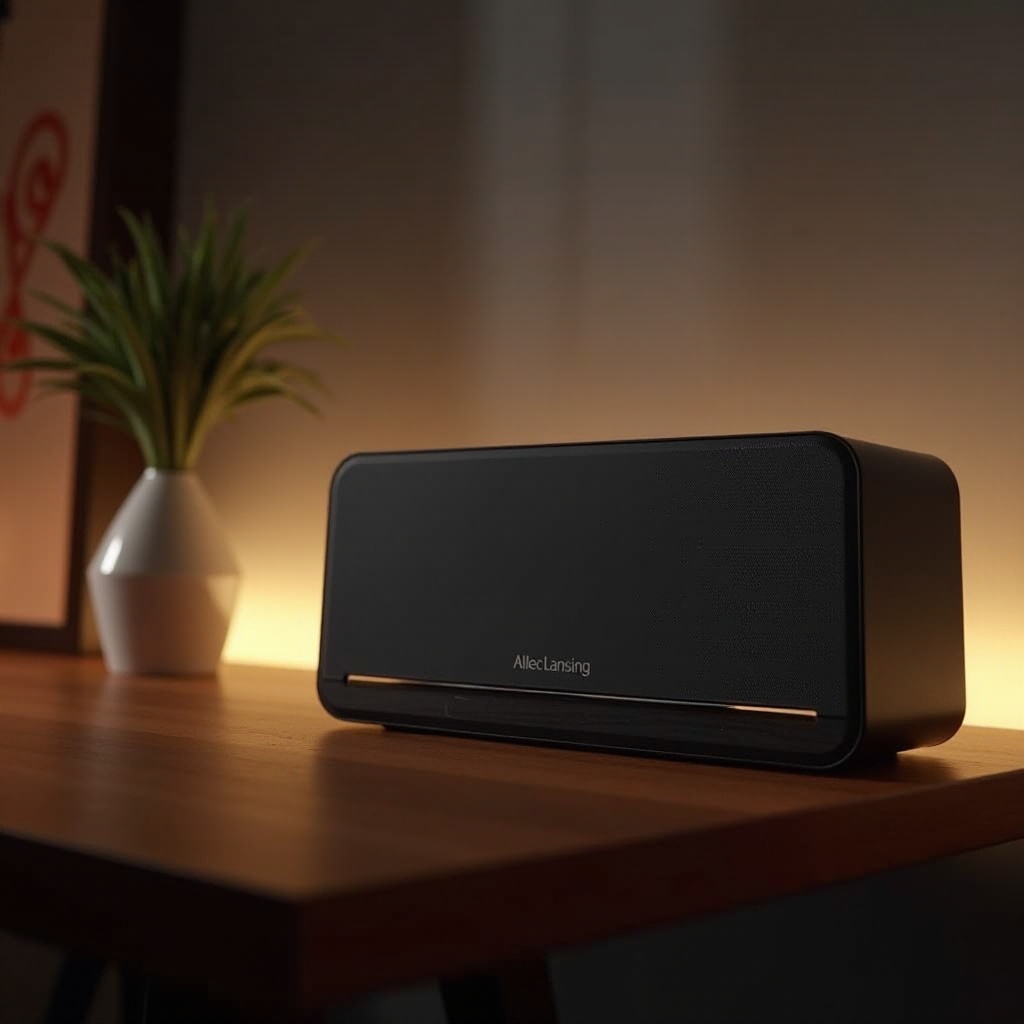
Before diving into the pairing process, get familiar with your Altec Lansing speaker model and its distinct features. Each model, from the Mini H2O to the LifeJacket and BoomJacket series, offers unique capabilities tailored to various user needs. Take advantage of Altec Lansing’s exceptional sound quality, rugged design, and impressive battery life by understanding your speaker’s distinct functionalities.
Explore the robust build and waterproof capabilities that define many of Altec Lansing’s offerings. Recognize features like the battery life indicator and the Bluetooth button, which are key to optimizing your speaker’s use and ensuring efficient pairing.
Preparation Steps Before Pairing
Preparation is crucial for a successful connection. Ensure both your speaker and device are ready for pairing. Follow these steps to prevent common issues from disrupting the process:
-
Charging and Powering On Your Speaker: Verify that your speaker is sufficiently charged. If necessary, connect it to a power source using the provided cable. Power on the speaker by pressing the power button. Look for a light indicator that signals readiness for pairing.
-
Ensuring Bluetooth is Enabled on Your Device: Access the Bluetooth settings on your phone or tablet and enable Bluetooth. Make sure your device is discoverable to facilitate a connection.
Pairing Your Altec Lansing Bluetooth Speaker
With both devices primed for connection, proceed with these simple pairing steps to link your speaker and device:
-
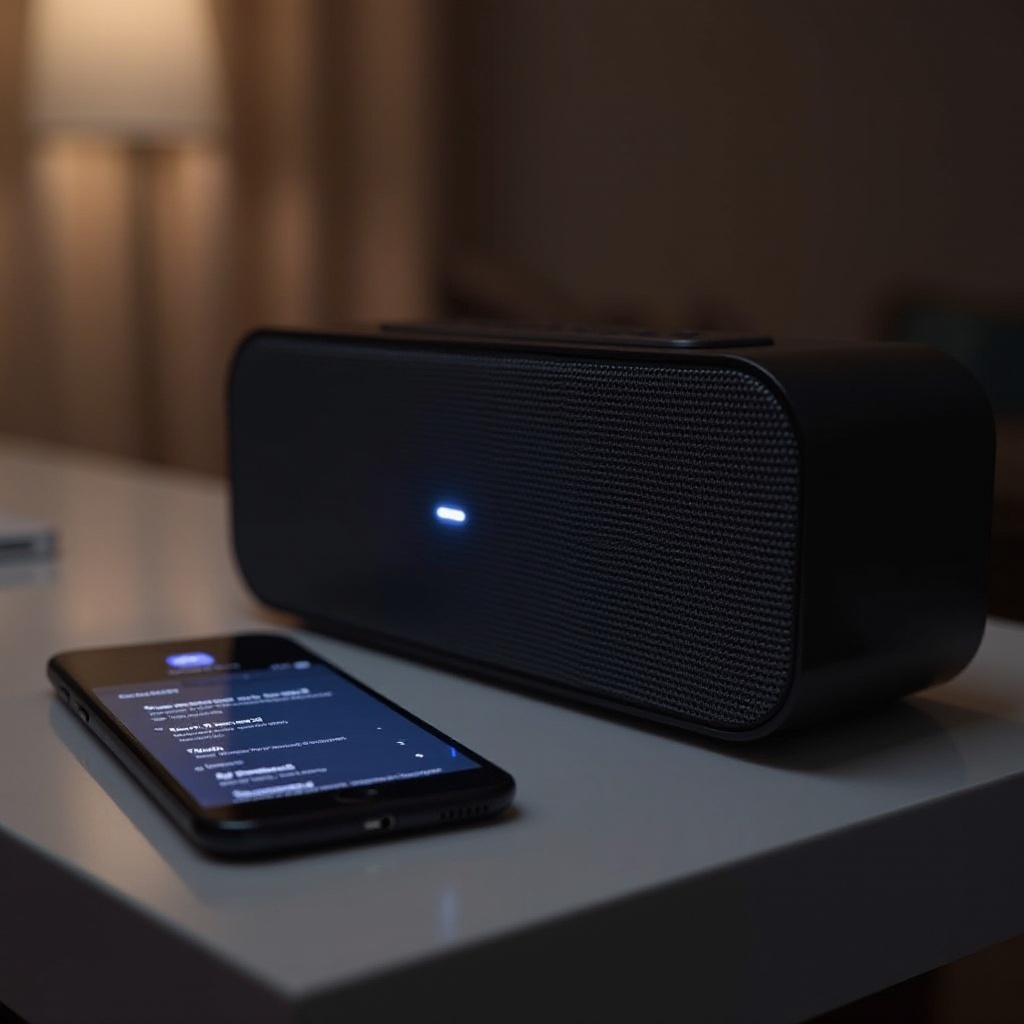
Activating Pairing Mode: Hold the Bluetooth button on your speaker for a few seconds until a flashing light or sound indicates it’s in pairing mode.
-
Connecting with Android Devices:
- Navigate to Settings > Connections > Bluetooth on your Android device.
- Locate and select your Altec Lansing speaker from the available devices list.
-
Wait for the device to confirm a successful connection.
-
Connecting with iOS Devices:
- Go to Settings > Bluetooth on your iOS device.
- Ensure Bluetooth is turned on.
- Find and tap on your Altec Lansing speaker from the list.
- Confirm the connection when prompted.
Troubleshooting Common Pairing Issues
If you encounter difficulties, here are solutions to the most common pairing challenges:
-
Speaker Not Visible in Bluetooth List: Turn off both your device and speaker, then restart them and try pairing again. Ensure the speaker remains in pairing mode during this process.
-
Connection Keeps Dropping: Keep your devices within the Bluetooth range, typically 10 meters. Remove any physical obstructions like walls or electronics that might interfere with the signal.
-
Solving Audio Quality Issues: If audio performance suffers, disconnect and reconnect your speaker. Check for any firmware updates for your speaker that might resolve connectivity issues.
Tips to Optimize Your Bluetooth Experience
Ensure you make the most out of your Bluetooth audio experience with these helpful tips:
-
Maintaining Your Device’s Range: Stay within the effective Bluetooth range and steer clear of interference from devices like microwaves or Wi-Fi routers.
-
Updating Firmware and Software: Regularly check for firmware updates for your speaker. Updates are crucial for fixing bugs and enhancing connectivity and performance. Refer to the official Altec Lansing website or customer support for guidance on updates.
Conclusion
Successfully pairing your Altec Lansing Bluetooth speaker should be quick and hassle-free. By familiarizing yourself with your speaker, preparing devices properly, and following the outlined pairing instructions, you can achieve a seamless audio experience. The troubleshooting tips and optimization strategies we’ve discussed will help you overcome any potential obstacles and enjoy the full benefits of your Bluetooth setup.
Frequently Asked Questions
Why is my Altec Lansing speaker not connecting?
Connectivity issues can arise if your speaker or device is not in pairing mode or if it’s out of range. Often, restarting both devices can solve the problem.
How do I reset my Altec Lansing Bluetooth speaker?
To reset your speaker, press and hold the power and volume buttons simultaneously for about 10 seconds until the speaker shuts down or restarts.
Can I pair multiple devices with my speaker at the same time?
Most Altec Lansing speakers connect to one device at a time. Disconnect any active devices to establish a new connection with another device.