

 By
By Introduction
A stuck button on your Xbox controller can disrupt your immersion and ruin your gaming sessions. Whether it refuses to register input, feels sticky, or simply won’t press down properly, a malfunctioning button needs addressing. By learning to fix this issue yourself, you can save money and keep your gaming experience smooth. Luckily, with just a handful of tools and some patience, you can handle this repair at home.
Understanding the Problem
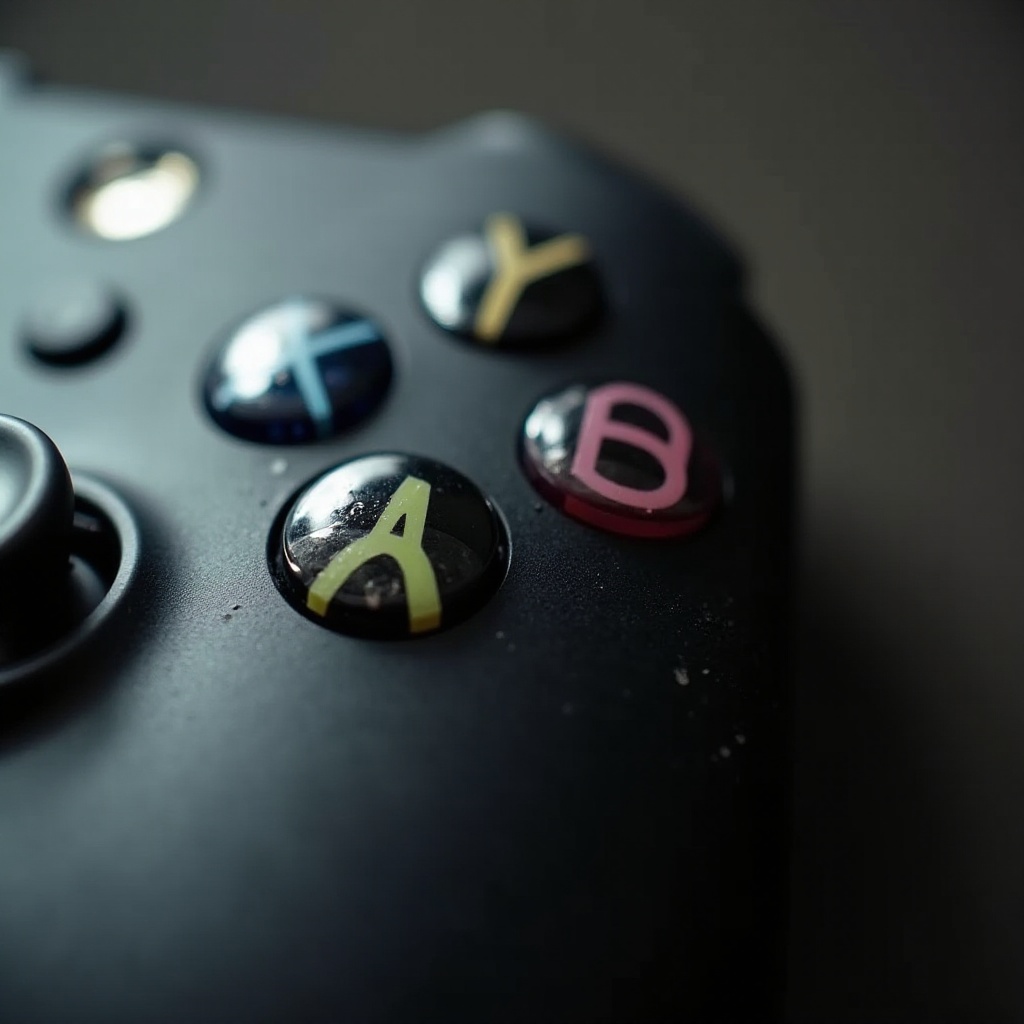
Before diving into repairs, it’s crucial to understand what causes these buttons to get stuck. Common symptoms include a button not popping back up, feeling sticky, or not responding correctly during gameplay. Often, everyday dust, skin oils, or food particles cause problems under and around the buttons. Properly identifying the root of the issue is key to implementing a permanent fix.
Once you have a handle on why the button sticks, you can proceed to gather the tools needed for the repair.
Tools and Preparations
Preparing adequately makes the repair process easier and more successful. To fix a stuck button on your Xbox controller, gather these essentials:
– Phillips screwdriver
– Plastic opening tool
– Isopropyl alcohol (90% or higher)
– Cotton swabs or soft microfiber cloth
Ensure you work on a clean, well-lit surface. Turn off and disconnect the controller to avoid any accidental inputs during disassembly. Using an anti-static wrist strap can protect its sensitive electronics from static discharge, which could otherwise cause harm during the repair.
With these tools and precautions in place, we can now focus on fixing the button itself.
Step-by-Step Repair Process
The detailed repair process will guide you through opening, cleaning, and reassembling your controller:
- Disassemble the Controller:
- Remove the battery pack to eliminate power flow.
- Undo the screws on the back using a Phillips screwdriver.
-
Gently separate the front and back panels of the controller using the plastic opening tool.
-
Clean the Button and Its Surrounding Area:
- Locate the problematic button and gently remove it from its place.
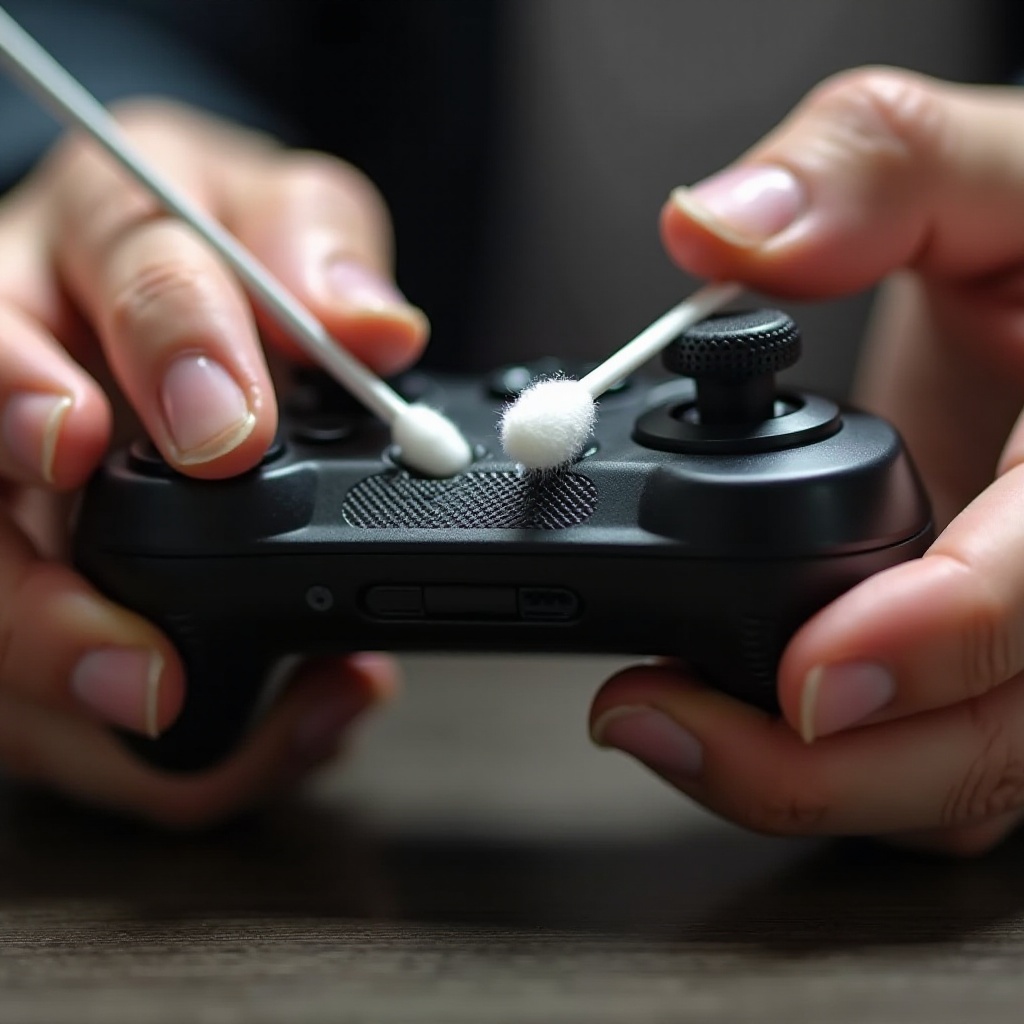
- Dampen a cotton swab with isopropyl alcohol to clean around and underneath the button.
-
Allow the area to dry thoroughly before reassembly to prevent moisture damage.
-
Reassemble the Controller:
- Place the button back in its spot carefully.
- Align and attach the front and back panels of the controller.
- Secure the screws and reinsert the battery pack.
After you’ve reassembled the controller, we move on to the testing phase to verify the problem is resolved.

Testing and Ensuring Functionality
With your controller back together, it’s time to ensure the repair was a success. Turn on your Xbox and reconnect your controller. Navigate menus or load a game to test the responsiveness of the previously stuck button. It should now press and release smoothly, without any stickiness or resistance.
If issues persist, consider repeating the cleaning steps or consulting a professional service if internal damage is suspected. If everything works as expected, maintaining your controller is important to prevent further issues.
Preventative Maintenance Tips
Guarding your Xbox controller against future problems means implementing regular maintenance and smart storage practices:
-
Regular Cleaning: Wipe the controller weekly with a microfiber cloth to remove surface grime. Monthly, clean under button caps with compressed air to prevent buildup.
-
Proper Storage: When not in use, keep the controller in a cool, dry place, away from dust and potential spills.
Effective maintenance ensures a longer lifespan for your controller, keeping your gaming smooth and hassle-free.
Conclusion
Addressing a stuck button on your Xbox controller doesn’t require extensive expertise—just a bit of patience and the right guidance. By identifying the problem, gathering the appropriate tools, and following a structured repair method, you can restore your controller’s functionality. Implementing regular maintenance habits further enhances its performance, safeguarding your gaming experience.
Frequently Asked Questions
Can I use household items for cleaning the button?
Yes, items like isopropyl alcohol and microfiber cloths, often found at home, are effective for cleaning.
What should I do if the button is still stuck after cleaning?
If the button remains stuck, repeat the cleaning or consult professional repair services if needed.
When should I consider professional repair services?
Seek professional assistance if your attempts fail or suspect hardware damage beyond what cleaning can fix.