

 By
By Introduction
Water can unexpectedly find its way into your iPhone, causing the screen to go black and leaving you feeling helpless. Addressing this issue promptly can help you avoid costly repairs or replacements. This guide will walk you through the crucial steps to revive your wet iPhone, from immediate actions and drying methods to when it’s time to seek professional repair.
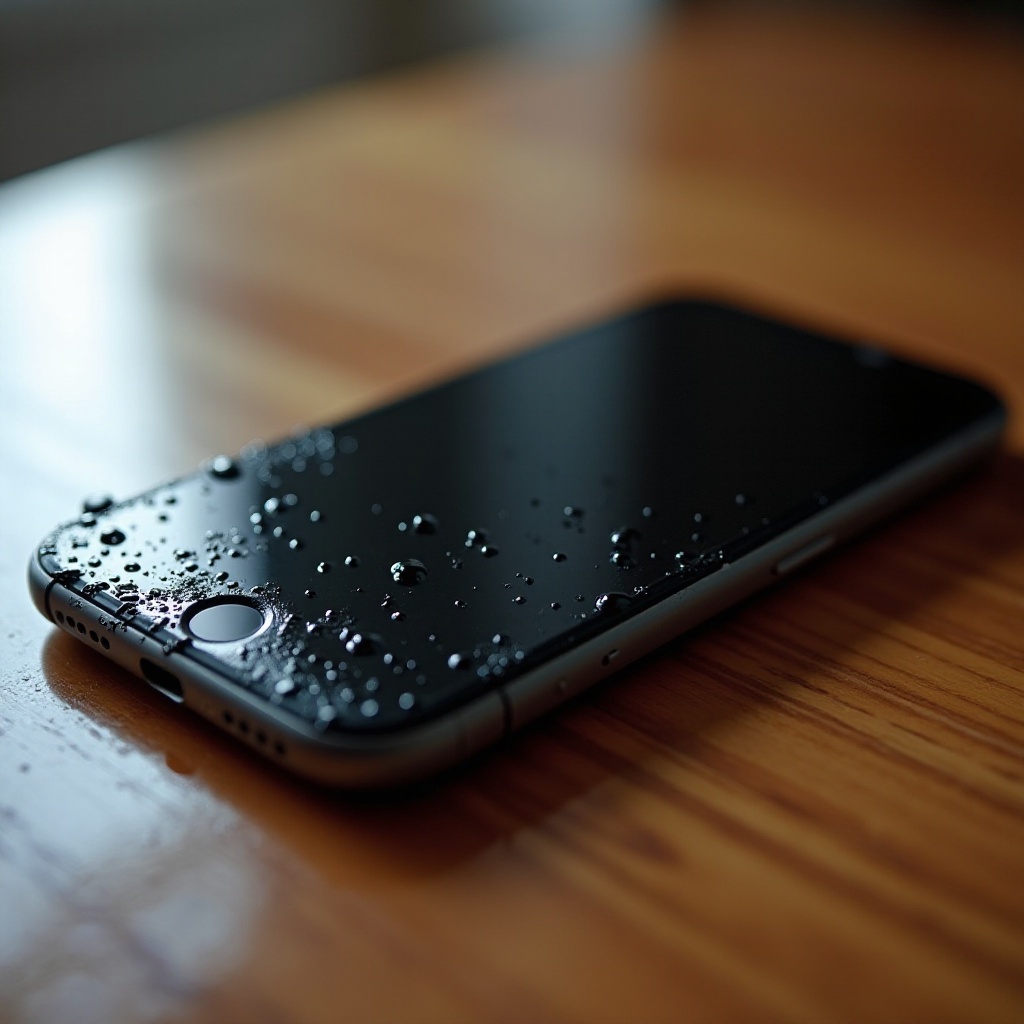
Immediate Actions to Take When Your iPhone Gets Wet
-
Power Down the Device Immediately: If your iPhone gets wet, quickly turn it off. Operating a wet device can cause electrical shorts and further damage the internal components.
-
Remove External Accessories and Case: Take off any cases or accessories that could trap moisture against the phone, escalating the damage.
-
Avoid Charging or Turning On the Device: Resist the urge to check if your phone still works. Plugging it into a charger or attempting to turn it on can cause more harm if moisture is present inside the circuitry.
Ensuring your phone is off and clear of any accessories is just the beginning. Next, you’ll need to focus on safely drying your iPhone to prevent further damage.
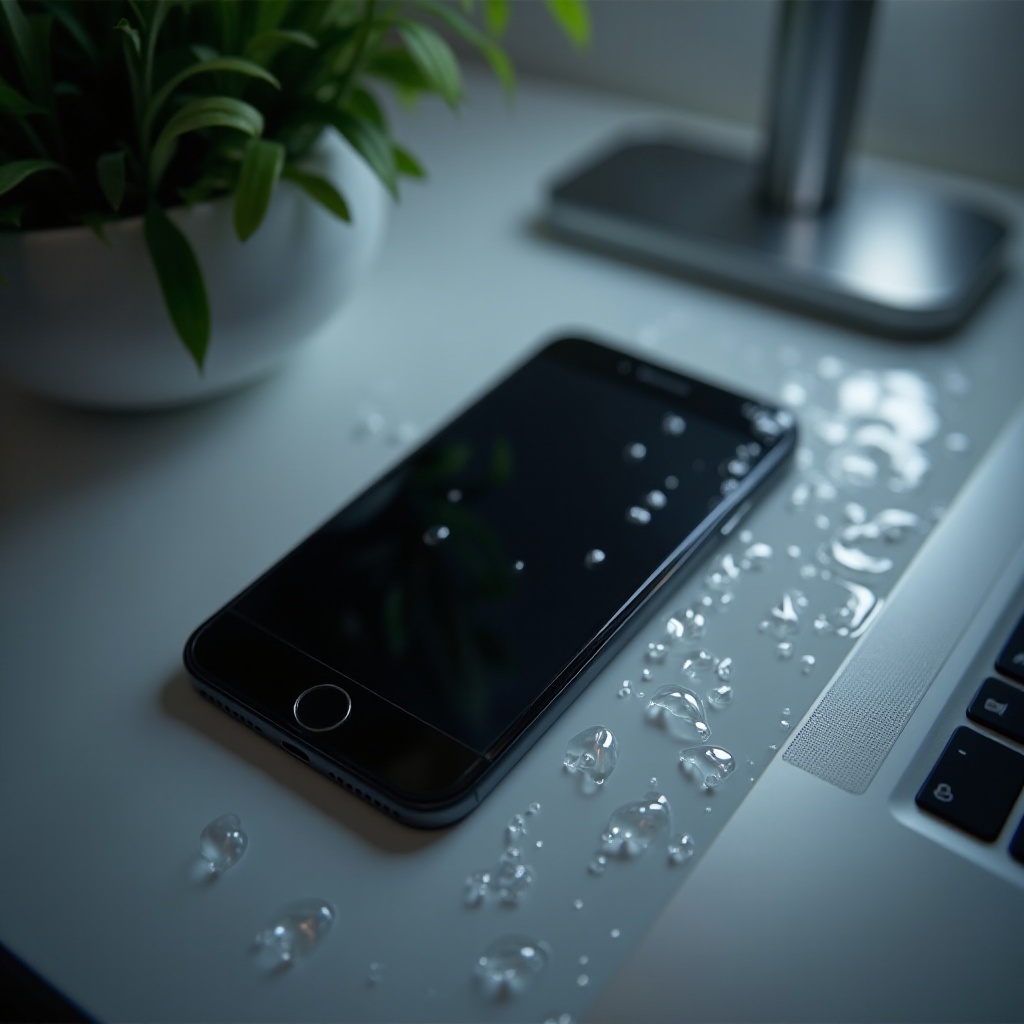
How to Properly Dry Your iPhone
After securing the phone, drying it thoroughly is essential. Consider these techniques:
-
Natural Air Drying Techniques: Leave the iPhone in a dry area with adequate airflow. Place it upright to help moisture escape from the ports and crevices.
-
Using Silica Gel Packets or Uncooked Rice: Place your phone in a container with silica gel packets, known for their moisture-absorbing properties. Alternatively, uncooked rice can be used, though it’s less effective.
-
Mistakes to Avoid: Do not use a hairdryer or any heat sources like a microwave. These can drive moisture deeper into the phone and heat up internal components beyond what is safe.
Properly drying the phone is essential, but the next step involves assessing whether the drying has been effective and identifying any potential damage.
Assessing the Damage
Once you’ve attempted drying, it’s time to assess your iPhone’s condition:
-
Check for Any Remaining Moisture: Look for condensation under the screen or around ports. This can indicate that further drying is necessary.
-
Signs of Permanent Damage: If your phone displays unusual colors, remains black, or is unresponsive to touch, there may be significant damage.
-
When to Consider a Professional Evaluation: If signs of damage are evident after drying and resetting efforts, consult a professional for a thorough assessment. Apple Support or certified technicians can provide accurate diagnostics.
After evaluating for possible damage, a hard reset may offer a solution if the device isn’t responding.
Performing a Hard Reset Safely
A hard reset might solve minor software issues following water exposure. Follow these instructions:
-
For iPhone 8 and later: Quickly press the Volume Up button, then the Volume Down button. Press and hold the Side button until the Apple logo appears.
-
For iPhone 7, 7 Plus: Simultaneously press and hold the Volume Down and Sleep/Wake buttons until the logo appears.
If a hard reset fails to revive your iPhone, it’s a good idea to explore professional repair options.
Seeking Professional Repair Options
Professional help is the best course when your iPhone remains unresponsive. Here are considerations:
-
Apple’s Repair Services: Apple Stores offer reliable repairs. Authorized technicians are experienced in handling water damage problems.
-
Third-Party Repair Options: Local services may provide quicker and sometimes more economical repairs, but ensure they’re reputable and offer warranties.
-
Cost Considerations: Compare the cost of repairs with replacement options. Sometimes, buying a new device is more rational if repair costs are close to the price of a new phone.
While considering repair services, it is also essential to think about how to prevent such incidents in the future.
How to Protect Your iPhone from Future Water Damage
Prevention is better than cure. Here’s how you can safeguard your device:
-
Using Waterproof Cases and Screen Protectors: Invest in quality waterproof cases that shield your phone from accidental spills and submersion.
-
Best Practices for Water Exposure Prevention: Avoid using your iPhone in moist environments or near large bodies of water unless necessary, and always keep it securely stored in a waterproof container when at risk.
By following these preventative measures, you significantly reduce the chances of water damage.
Conclusion
Prompt and effective action can save your iPhone if it gets wet. Always power down and dry your device thoroughly before reassessing. If problems persist, seek professional assistance. Moreover, taking preventative measures can help safeguard against future water damage.
Frequently Asked Questions
Can I immediately turn on my iPhone after it gets wet?
No, turning on the device can cause short circuits. Ensure it’s completely dry before any attempt to power it on.
What should I do if my iPhone screen remains black after drying?
Attempt a hard reset. If it remains unresponsive, seek professional assistance to evaluate potential internal damage.
Is it worth repairing a water-damaged iPhone, or should I replace it?
This depends on the damage extent and repair cost. Compare repair estimates with replacement costs for a well-informed decision.